What If Your Top Salesperson Leaves with Your Data?
May 11, 2026
A Vendor Was Hacked: Is Your Business Next?
May 13, 2026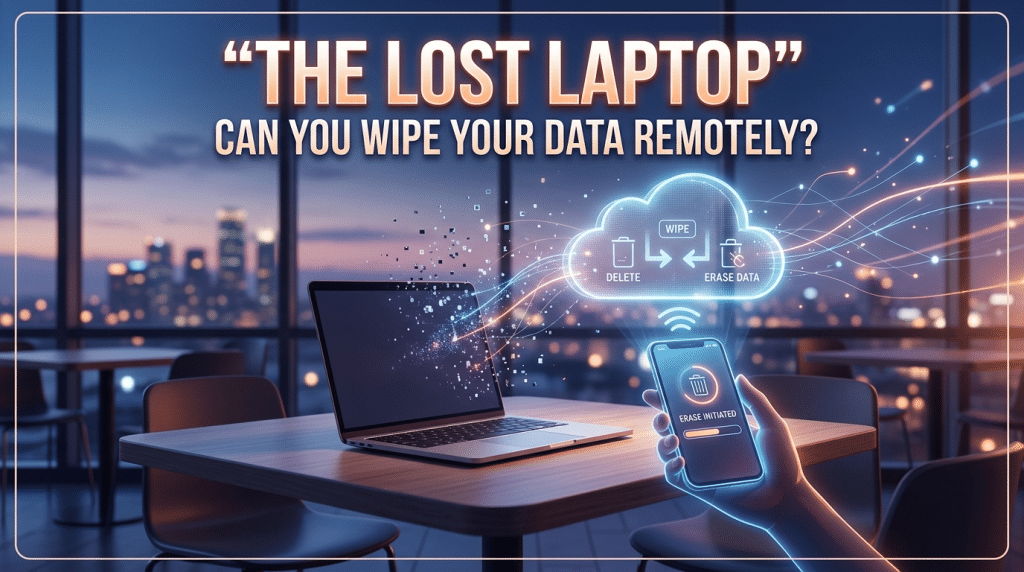
Beyond the Panic: A Business Owner’s Guide to Remote Data Destruction and Device Security
It is a scenario that happens every day in Houston: A busy project manager leaves their laptop in the backseat of a truck while grabbing lunch in the Heights, or a salesperson forgets their tablet at a TSA checkpoint at Hobby Airport. In that split second of realization, the panic isn’t about the $1,500 cost of the hardware; it’s about the decades of client data, proprietary designs, and saved passwords stored on that machine.
If that happened to your business right now, could you confidently reach for your phone and “erase” that device from existence? For many small to mid-sized firms, the answer is a hesitant “I think so,” or a flat “No.” In the 2026 security landscape, “hoping” the device is never found isn’t a strategy. You need the technical capability to perform a remote wipe instantly.
The Illusion of the Windows Password
A common misconception among business owners is that a standard Windows or Mac login password is a sufficient shield. “Even if they have the laptop,” the logic goes, “they can’t get past the login screen.”
Unfortunately, for a determined thief or a sophisticated hacker, a login password is a minor speed bump. Without Full-Disk Encryption (FDE) like BitLocker or FileVault, a criminal can simply remove the hard drive, plug it into another computer, and read every file on the disk as if it were an open book. Remote wiping is your second line of defense, but it only works if you have the infrastructure in place before the device goes missing.
MDM: The “Kill Switch” for Your Fleet
To have remote wipe capabilities, your devices must be enrolled in a Mobile Device Management (MDM) system. Tools like Microsoft Intune, Kandji, or Jamf act as a permanent tether between your company and its hardware.
MDM allows you to do more than just wipe a drive; it allows you to maintain “Digital Sovereignty” over your assets. With a properly configured MDM, you can:
- Lock the Device: Render the laptop completely unusable, even if it is not connected to the internet.
- Enforce Encryption: Ensure that every device in your fleet has BitLocker enabled by default.
- Execute a Selective Wipe: If the device is a personal phone used for work, you can wipe only the corporate emails and apps without touching the employee’s personal photos.
- Locate the Asset: View the last known GPS coordinates of the device to assist in recovery or police reports.
The “Offline” Challenge: When the Thief Stays Unplugged
A frequent question we hear at Krypto IT is: “What if the thief never connects the laptop to Wi-Fi? How can the wipe command reach the device?”
Modern security protocols have evolved to solve this. With “Offline Proximity” technology—similar to how “Find My” works on iPhones—encrypted devices can listen for signals from other nearby devices to receive the “kill” command. Additionally, we can set “Timed Self-Destruct” policies. If a device does not “check in” with the company server for a specified period (e.g., 7 days), it can be programmed to automatically lock itself or wipe its encryption keys, rendering the data unreadable regardless of internet connectivity.
The Importance of the “First Hour” Response
In the 2026 Trust Economy, speed is your greatest asset. The gap between “realizing the device is gone” and “sending the wipe command” is where the risk lives. Your business needs a documented Lost Device Protocol. Every employee should know exactly who to call—at any hour—to trigger the remote wipe.
By the time a thief tries to sell that laptop at a pawn shop or crack the encryption in a basement, the device should already be a “brick.”
How Krypto IT Hardens Your Mobile Workforce
We don’t just fix computers; we secure your mobility. Krypto IT implements a “Sentinel Standard” for every Houston device:
- Zero-Touch Deployment: We enroll every new laptop into MDM before it even reaches your employee’s hands.
- Pre-Configured “Kill Switches”: We set the automated policies that protect your data even when the device is offline.
- Encryption Audits: We perform regular checks to ensure no employee has accidentally disabled their disk encryption.
- 24/7 Emergency Support: Our team is ready to execute a remote wipe the moment you give the word, ensuring your data never stays exposed a second longer than necessary.
Conclusion: Security is a Proactive Choice
Hardware is replaceable. Your reputation and your clients’ privacy are not. If you can’t wipe your data remotely right now, your business is carrying a level of risk that is entirely preventable.
Is your data sitting in a stranger’s hands? Contact Krypto IT today for a “Device Security Audit” and let’s get your “Kill Switch” ready.