Cloud Sync vs. Backup: The Storage Trap
July 20, 2026
Windows Defender for Business: Is Out-of-the-Box Enough?
July 21, 2026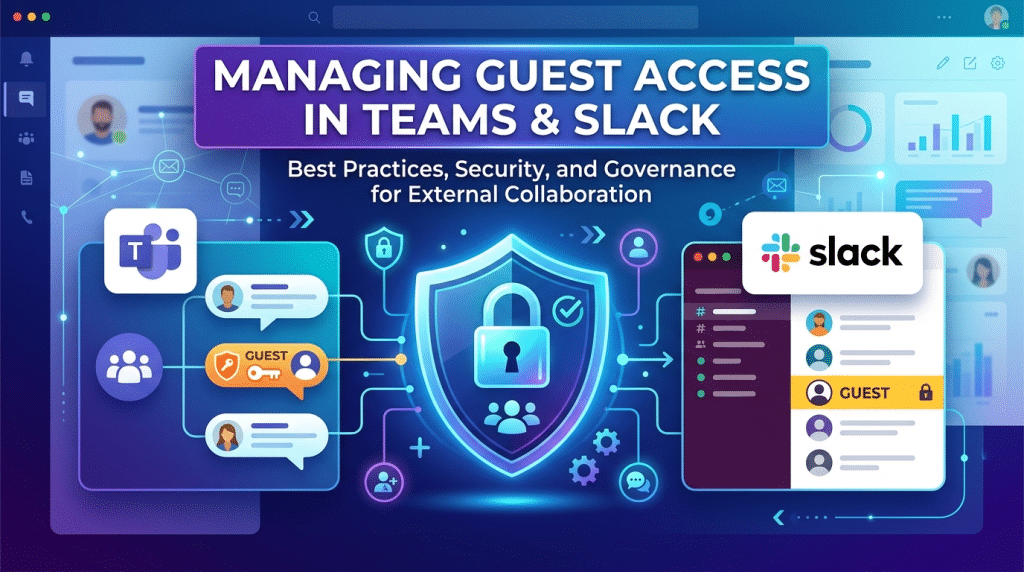
Teams and Slack Security: Managing Guest Access Without Leaking Internal Chats
Modern business moves at the speed of chat. Platforms like Microsoft Teams and Slack have largely replaced internal email, serving as the central nervous system for daily operations, quick decision-making, and file sharing. To streamline project workflows, companies frequently invite external guests—such as contractors, vendors, agencies, and clients—directly into their communication hubs.
While guest access fosters seamless collaboration, it quietly opens a massive, often unmonitored attack vector. Without strict administrative controls and continuous identity monitoring, inviting an external user into your workspace can expose sensitive financial records, proprietary client data, and confidential internal conversations.
Managing guest access safely requires balancing cross-organizational collaboration with rigorous data security.
The Invisible Threat of Unchecked Guest Access
Inviting an external guest into Microsoft Teams or Slack is fundamentally different from sending an email thread. When you grant guest access, you are extending your corporate digital perimeter to include an outside identity whose device, password hygiene, and network security you do not control.
Several common vulnerabilities quickly emerge when guest accounts are managed without clear security boundaries:
1. Over-Privileged Access and Channel Overshare
When a guest is added to a workspace or team, default settings often grant them far more visibility than necessary. In Slack, a guest brought into a specific channel might still view organizational member directories or public channels depending on their role type. In Microsoft Teams, adding a guest to a Team frequently gives them access to every standard channel, attached SharePoint file repository, and historical chat logs associated with that group.
2. Orphaned Accounts and “Ghost Guests”
Projects end, contracts expire, and client engagements wrap up, but guest accounts frequently remain active indefinitely. These “ghost guests” linger in corporate workspaces for months or even years. If an external contractor’s personal email or agency credentials are later compromised in a breach, cybercriminals can use those active, forgotten guest credentials to silently enter your internal communication channels undetected.
3. Accidental File and Message Leaks
Internal chats tend to be informal. Employees naturally drop internal financial spreadsheets, credentials, customer lists, and strategic notes into channels without thinking twice. If a guest user resides in that channel—or is added to a historical thread without context—sensitive data instantly transfers into external hands.
Strategic Guardrails for Secure Guest Collaboration
Securing your messaging ecosystem does not mean shutting down external collaboration entirely. It means implementing intelligent, automated guardrails that restrict visibility to a strictly need-to-know basis.
At Krypto IT, we implement comprehensive security architectures that protect corporate messaging hubs from internal and external data leaks:
- Strict Channel-Level Isolation: We configure Microsoft Teams Shared Channels and Slack Multi-Channel/Single-Channel Guest roles to ensure external users only see the specific project context they require, keeping general organizational discussions completely hidden.
- Automated Guest Lifecycle Governance: We deploy continuous access reviews and automated expiration policies. External guest accounts are automatically flagged, audited, and decommissioned after specific periods of inactivity or project completion.
- Data Loss Prevention (DLP) for Chat: We implement automated DLP policies that scan messages and file uploads in real time. If an employee attempts to post sensitive information like credit card numbers, social security records, or API keys into a channel containing external guests, the action is blocked instantly.
- Enforced Conditional Access and MFA: External identities accessing your environment should still meet your internal security baseline. We enforce Multi-Factor Authentication (MFA) and location-based access policies for all external guests logging into your Microsoft 365 or Slack workspaces.
Building a Culture of Chat Hygiene
Technology guardrails form the foundation, but human awareness completes the shield. Employees must understand that chat tools are formal business systems, not private messaging apps.
Establishing clear internal guidelines around where external guests are permitted, training staff to double-check channel member lists before sharing files, and enforcing strict naming conventions for guest-enabled channels will dramatically reduce accidental exposure.
Conclusion: Collaborate Without Sacrificing Control
Microsoft Teams and Slack are indispensable engines for modern business growth. However, granting external access without proper identity lifecycle management and data control turns your most efficient communication tools into an unmonitored security risk.
By combining granular channel controls, automated lifecycle governance, and real-time data loss prevention, your business can work side-by-side with external partners with absolute confidence.
Uncertain who currently has access to your internal Microsoft Teams or Slack channels? Contact Krypto IT today for a Collaboration Space Security Audit and let’s secure your communication boundaries.