Managing Guest Access in Teams & Slack
July 21, 2026
The Single Sign-On Audit: Streamlining Access Safely
July 23, 2026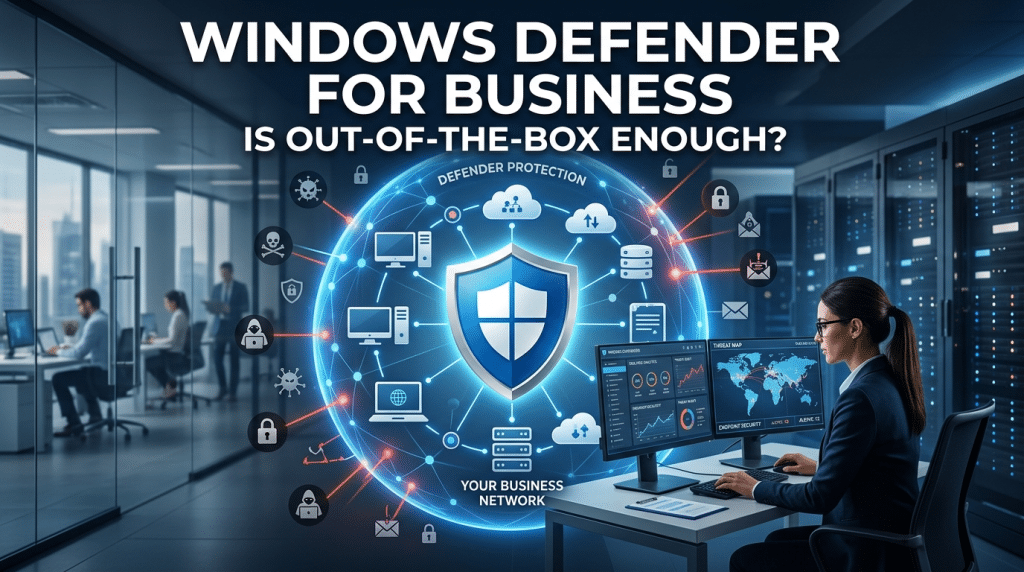
Out-of-the-Box Antivirus: Is Windows Defender Enough for a Business?
When setting up new Windows laptops for a company, business leaders often notice the built-in security prompt: Microsoft Defender is active and ready to go. On the surface, this feels like an immediate win. It costs nothing extra out of the box, runs silently in the background, and scores well in basic consumer malware tests.
This leads many small and medium-sized business (SMB) owners to ask a critical question: Is out-of-the-box Windows Defender enough to protect my business?
The short answer is no. While the underlying antivirus engine in Windows is technically robust, relying on its default consumer configuration leaves your company dangerously exposed. Out-of-the-box Windows Defender operates as a standalone, localized antivirus—not an enterprise-grade threat defense system.
The Gap Between Consumer Antivirus and Managed Defense
To understand why factory settings fall short, you must distinguish between basic signature-based antivirus and an active threat response framework.
Out-of-the-box Windows Defender is designed for personal use. It scans local drives, checks files against known virus databases, and blocks basic execution. However, modern cyberattacks rarely rely on old, known viruses. Modern threats use sophisticated tactics like fileless malware, stolen credentials, living-off-the-land techniques, and zero-day exploits.
When you leave Windows Defender in its default state, several operational blind spots emerge:
1. No Centralized Visibility or Alerting
If a standalone laptop detects a threat in a default setup, it pops up a notification on the employee’s screen. If the employee ignores the alert, closes the window, or works remotely off the corporate network, IT never knows. There is no centralized dashboard aggregating alerts across all corporate workstations. An attack can quietly gain a foothold on one machine and move laterally across your network without triggering a centralized response.
2. Lack of Endpoint Detection and Response (EDR)
Standard antivirus looks for known malicious code. Endpoint Detection and Response (EDR) looks for suspicious behavior. If an attacker uses a legitimate system tool like PowerShell to quietly exfiltrate customer data or encrypt files, standard antivirus often treats it as normal system activity. Without EDR capabilities to analyze behavioral telemetry, track threat vectors, and automatically isolate compromised endpoints, sophisticated attacks pass right through.
3. Easily Disabled by Malware and Tampering
In an unmanaged environment, local administrative rights or aggressive malware can disable Windows Defender entirely. Without enterprise Tamper Protection policies locked down through cloud management tools, a cybercriminal who compromises a single account can simply toggle the antivirus off before executing a payload.
Active Defense: Turning Defender into an Enterprise Shield
The issue isn’t Microsoft’s underlying software—it’s how the software is configured, managed, and integrated. Microsoft actually offers enterprise-grade protection, such as Microsoft Defender for Business and Defender for Endpoint, but these require active management, proper licensing, and rigorous configuration.
At Krypto IT, we help businesses transition from passive, default settings to an active defense architecture:
- Centralized Security Management: We link all endpoints into a centralized security portal, giving your team real-time visibility into every device, alert, and vulnerability across your entire organization.
- Enforced Attack Surface Reduction (ASR): We configure advanced ASR rules that block common attack vectors—such as executable content in email attachments or malicious macros in Office files—before they ever reach the execution stage.
- 24/7 Managed EDR and Containment: We deploy behavioral detection rules and automated response workflows. If an endpoint displays abnormal behavior, the system can automatically isolate the machine from the network, preventing lateral movement.
- Tamper Protection and Zero-Trust Policies: We lock down security configurations so neither end-users nor unauthorized software can disable protection mechanisms.
Conclusion: Software Is a Tool, Not a Strategy
Windows Defender provides a solid foundation, but out-of-the-box software alone is not a cybersecurity strategy. Without central management, behavioral EDR, and continuous monitoring, relying on default settings is like buying a high-end deadbolt for your front door but leaving the keys under the mat.
True security comes from managing your endpoints proactively, closing operational gaps, and ensuring that every alert is monitored and acted upon.
Are your corporate devices running on default settings, or do you have complete visibility over your network? Contact Krypto IT today for an Endpoint Security Review, and let’s turn your built-in tools into a locked-down defense.