When to Hire a Pro: Knowing When You Need an External Security Audit
December 13, 2025
Default Credentials: The Free Pass You’re Giving Hackers (and How to Fix It)
December 16, 2025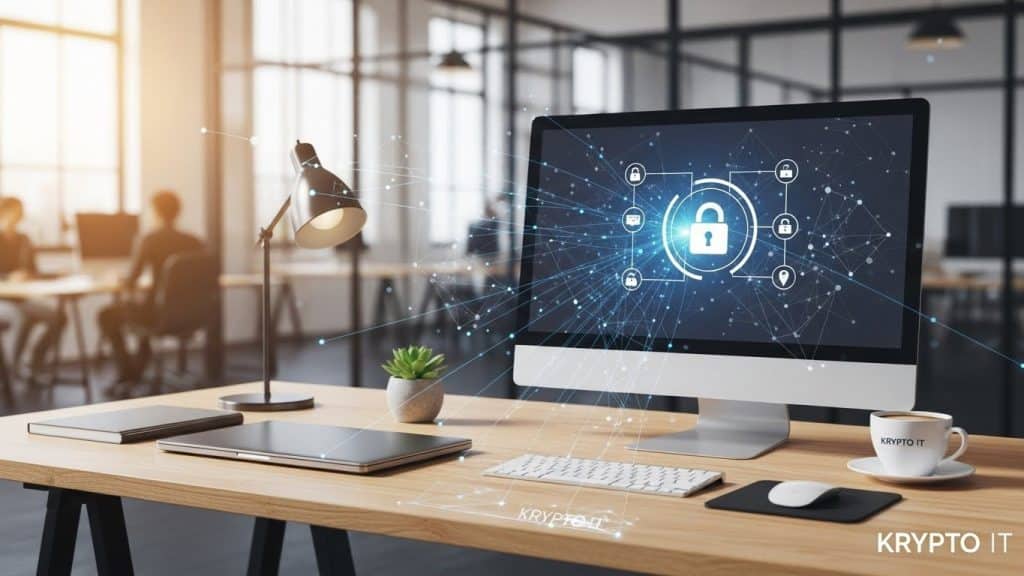
By the Team at Krypto IT | Cybersecurity Experts Serving Houston SMBs
When small to medium-sized business (SMB) owners invest in security, the focus is almost always digital: firewalls, MFA, EDR tools, and cloud encryption. These defenses are crucial. However, the most sophisticated digital security in the world can be completely bypassed by a surprisingly low-tech threat: physical access.
A discarded sticky note with a server password, an unlocked screen left open during lunch, or sensitive documents left visible on a desk can provide a criminal with all the information they need to compromise your digital assets. This is why the simple, oft-forgotten “Clean Desk” Policy remains a cornerstone of robust security.
At Krypto IT in Houston, we help our clients understand that security is a holistic discipline. By enforcing a Clean Desk Policy, your SMB can eliminate the easiest, most convenient entry points for both external criminals and internal threats (the Insider Threat).
The Threat: Leveraging Physical Access for Digital Theft
Physical security gaps translate directly into digital security compromises through two primary avenues: Visual Hacking and Convenience Theft.
1. Visual Hacking and Shoulder Surfing
This is the simplest form of attack. A criminal, cleaner, or even a vendor with legitimate access to your office can quickly gather critical information just by looking around:
- Passwords: The classic sticky note with a username and password taped to a monitor or hidden under a keyboard.
- Sensitive Data: Documents containing PII (Personally Identifiable Information), client contracts, or financial projections left face-up on a desk.
- Unattended Screens: An unlocked computer screen is an open door. A malicious insider or a sophisticated external actor posing as a vendor can insert a USB stick, install malware, or quickly steal files in seconds.
2. Convenience Theft (The Social Engineer)
Criminals often don’t need to break down the door; they just need an opportunity. The goal is to obtain a physical asset that grants digital access later.
- Lost Devices: Unsecured phones, corporate laptops, or USB drives left on a desk or in an unsecured drawer are easy targets for opportunistic theft. If these devices are not properly encrypted, the data is immediately exposed.
- The Printer Tray: A stack of printed reports (HR records, bank statements, client information) left in a shared printer tray is a goldmine for an attacker or a negligent insider.
A Clean Desk Policy is designed to eliminate these physical opportunities, forcing employees to secure every asset when they step away from their work area.
The “Clean Desk” Checklist: Four Non-Negotiable Rules
Enforcing a Clean Desk Policy is less about creating a tidy office and more about reducing your SMB’s total surface area of attack.
1. Lock Your Screen (Lock and Leave)
This is the most critical rule. Before stepping away from a workstation (for lunch, a meeting, or even the restroom), the screen must be locked.
- Krypto IT Standard: Employees should be trained on the quick keyboard shortcuts for locking their device (Win + L on Windows, Ctrl + Cmd + Q on Mac).
- Technical Enforcement: Set all corporate devices to automatically lock the screen after two minutes of inactivity.
2. Clear All Sensitive Paperwork
At the end of the day, or anytime a workstation is left unattended for an extended period, all paperwork containing sensitive information must be secured.
- Storage: Files must be stored in a locked drawer or cabinet.
- Disposal: Paper waste containing PII, PHI, or financial data must be immediately shredded using a cross-cut shredder—not tossed into a regular recycling bin.
3. Secure All Removable Media and Devices
Any device that can store or transfer data must be physically secured when not in use.
- USB Drives and CDs: Must be stored in a locked drawer. If a device contains sensitive data, it must be encrypted.
- Laptops and Phones: Should be stored in a locked cabinet or taken off-site if company policy allows. They should never be left visible or unsecured overnight.
4. Clear the Digital Clutter (Passwords)
The digital desktop must be as clean as the physical one. This rule reinforces the need for strong digital security practices.
- No Sticky Notes: Absolutely no written passwords, PINs, or access codes should be visible near the workstation.
- Mandatory Password Manager: The only way to enforce this is by requiring the use of a corporate Password Manager (which uses encryption and MFA) to store all credentials, eliminating the need to write them down.
Krypto IT: Integrating Physical and Digital Security
Implementing a Clean Desk Policy requires a culture shift, not just a memo. Krypto IT helps your SMB integrate these physical security best practices into your broader digital strategy.
We provide:
- Policy Creation and Training: We help you draft clear, enforceable Clean Desk guidelines and provide Security Awareness Training to explain why these rules are critical.
- Technical Enforcement: We ensure devices are configured with the necessary technical controls (auto-lock, mandatory encryption, and MDM remote wipe capabilities) so that if a device is stolen, the data remains safe.
- Auditing Support: We can conduct physical security walkthroughs to spot common violations and ensure compliance.
Don’t let a criminal walk into your office and bypass your entire firewall with a stolen piece of paper. The Clean Desk Policy is a simple, effective, and free layer of defense that no SMB can afford to skip.
Ready to lock down your physical workspaces? Contact Krypto IT today for a complimentary Clean Desk Policy implementation guide.