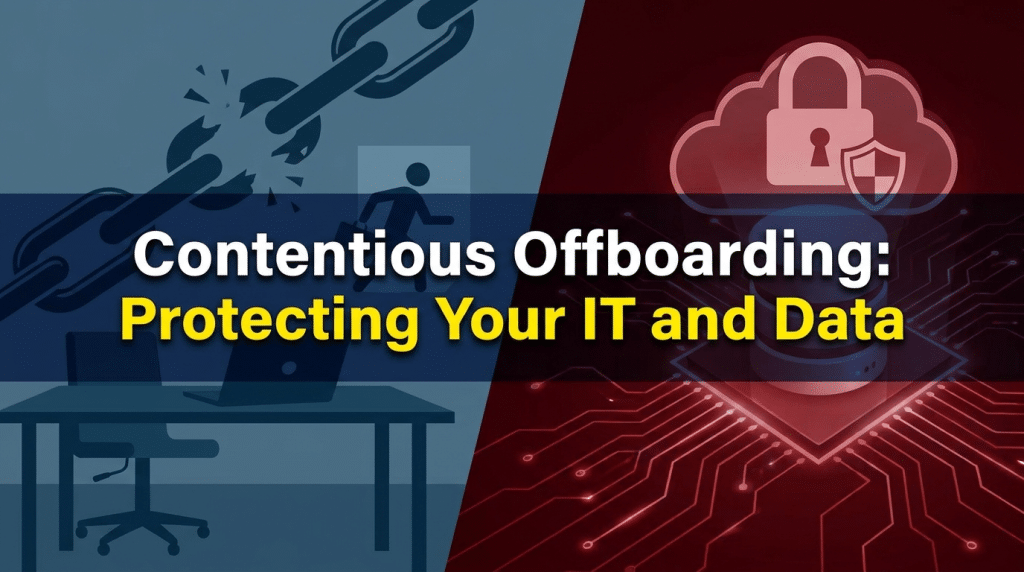
Contentious Offboarding: Protecting Your IT and Data
September 8, 2026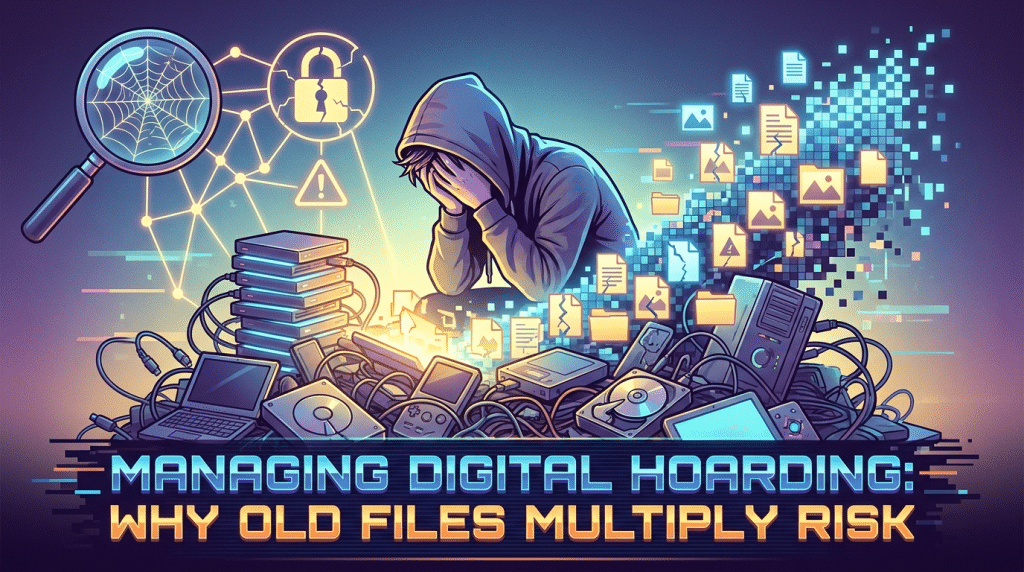
Managing Digital Hoarding: Why Keeping Years of Old Client Files Multiplies Security Risk
Across modern organizations, data accumulation is often treated as harmless. Storage drives are inexpensive, cloud capacities feel practically limitless, and employees adopt a convenient default habit: keep everything, just in case.
Over years of client engagements, staff download sensitive contracts, tax records, unredacted financial audits, confidential schematics, and personal identification records directly to local workstations. Long after client relationships conclude or projects wrap up, those files quietly linger inside “Downloads” directories, desktop folders, and local application caches.
This habit is known as digital hoarding, and it represents one of the most widespread, unmonitored security liabilities in corporate environments today.
While businesses spend heavily on perimeter firewalls and advanced endpoint monitoring, digital hoarding quietly undermines those defenses. Every unmanaged, obsolete client file retained on a local laptop expands your attack surface, multiplies regulatory exposure, and turns an ordinary hardware loss or malware infection into a catastrophic data breach.
The Hidden Multipliers of Digital Hoarding Risk
Retaining historical data without a clear business or legal justification creates significant operational and legal exposure across several key areas:
1. The Blast Radius of Stolen or Compromised Laptops
Laptops are mobile, loss-prone endpoints. They get stolen from parked cars, misplaced in airport security bins, or compromised via drive-by web downloads and info-stealer malware.
If an attacker breaches a clean laptop that accesses data strictly through secured cloud portals with session timeouts, the exposure is limited. If that same laptop contains five years of legacy client spreadsheets containing unencrypted Social Security numbers, banking details, or proprietary designs, an ordinary endpoint theft instantly escalates into a major, reportable breach affecting thousands of individuals.
2. Escalating Regulatory and Compliance Liabilities
Global privacy frameworks—such as GDPR, CCPA/CPRA, HIPAA, and industry frameworks like SOC 2—operate under the foundational principle of data minimization. Organizations are legally mandated to retain sensitive consumer and client information only as long as strictly necessary to fulfill the original purpose for which it was collected.
If an organization suffers an intrusion and forensic investigators discover decade-old personal records that should have been purged years prior, regulators will view that retention as willful negligence. Fines, mandatory notifications, and reputational fallout multiply exponentially based on the volume of exposed records.
3. Exaggerated Ransomware Extortion Leverage
Modern ransomware groups no longer just encrypt files; they rely heavily on double and triple extortion by exfiltrating proprietary records before locking systems.
Threat actors deploy automated scanning scripts that comb endpoints for terms like “confidential,” “tax,” “SSN,” “payroll,” or “client list.” The more historical data sitting unencrypted in local user folders, the more leverage extortionists hold over leadership when demanding a payout to prevent public data leaks.
4. Legal Discovery Nightmares
In commercial litigation, companies are subject to electronic discovery (e-discovery). If your organization stores unindexed, chaotic legacy client records scattered across dozens of individual employee drives, the cost to collect, review, and redact those files during a legal hold can run into hundreds of thousands of dollars. Storing obsolete files creates discovery liabilities without delivering operational value.
How to Curb Digital Hoarding Across Your Organization
Eliminating digital clutter requires combining automated technical governance with clear employee data management policies:
1. Establish and Enforce a Data Retention and Destruction Schedule
Work with legal counsel and executive leadership to define specific retention timelines for each category of client information (e.g., retain financial records for seven years, project drafts for six months post-delivery, and recruitment resumes for one year). Once retention windows expire, mandate permanent, verified deletion.
2. Block Local File Storage via Device Policies
Enforce technical policies through Mobile Device Management (MDM) and Mobile Application Management (MAM) to prevent staff from storing sensitive files locally:
- Configure corporate cloud workspaces (like Microsoft OneDrive or SharePoint) with Known Folder Move, automatically syncing and centralizing desktop and document directories.
- Enforce BitLocker or FileVault full-disk encryption on all endpoint hard drives.
- Implement Data Loss Prevention (DLP) agent rules that block users from downloading files containing credit card numbers, PII, or client identifiers directly to local hard drives or personal external media.
3. Implement Automated Cache and Downloads Purging
The local “Downloads” folder is usually the epicenter of digital hoarding. Configure automated endpoint maintenance scripts that flag or automatically wipe temporary files and downloads older than 30 or 60 days, forcing employees to file necessary project documentation into secured, central repositories immediately.
4. Conduct Routine Digital “Spring Cleaning” Audits
Make data hygiene part of your corporate culture. Schedule quarterly data-cleaning sessions where employees are guided through auditing local drives, pruning orphaned email archives, and verifying that project deliverables reside solely within access-controlled corporate cloud shares.
Modernize Your Data Governance with Krypto IT
Data security isn’t just about building higher digital walls; it’s about minimizing the sensitive data exposed if those walls are breached.
At Krypto IT, we help Houston and remote-first businesses establish automated data governance, deploy centralized cloud storage architectures, and implement robust endpoint DLP solutions that keep client data organized, compliant, and secure.
Is your team hoarding obsolete client data on unsecured laptop drives? Contact Krypto IT today to schedule a comprehensive data governance and endpoint security review.