Securing the Shop Floor: A Manufacturing Owner’s Guide to Protecting Intellectual Property
February 11, 2026
The Human Firewall: Why Your Team is Your Greatest Asset and Your Biggest Risk
February 14, 2026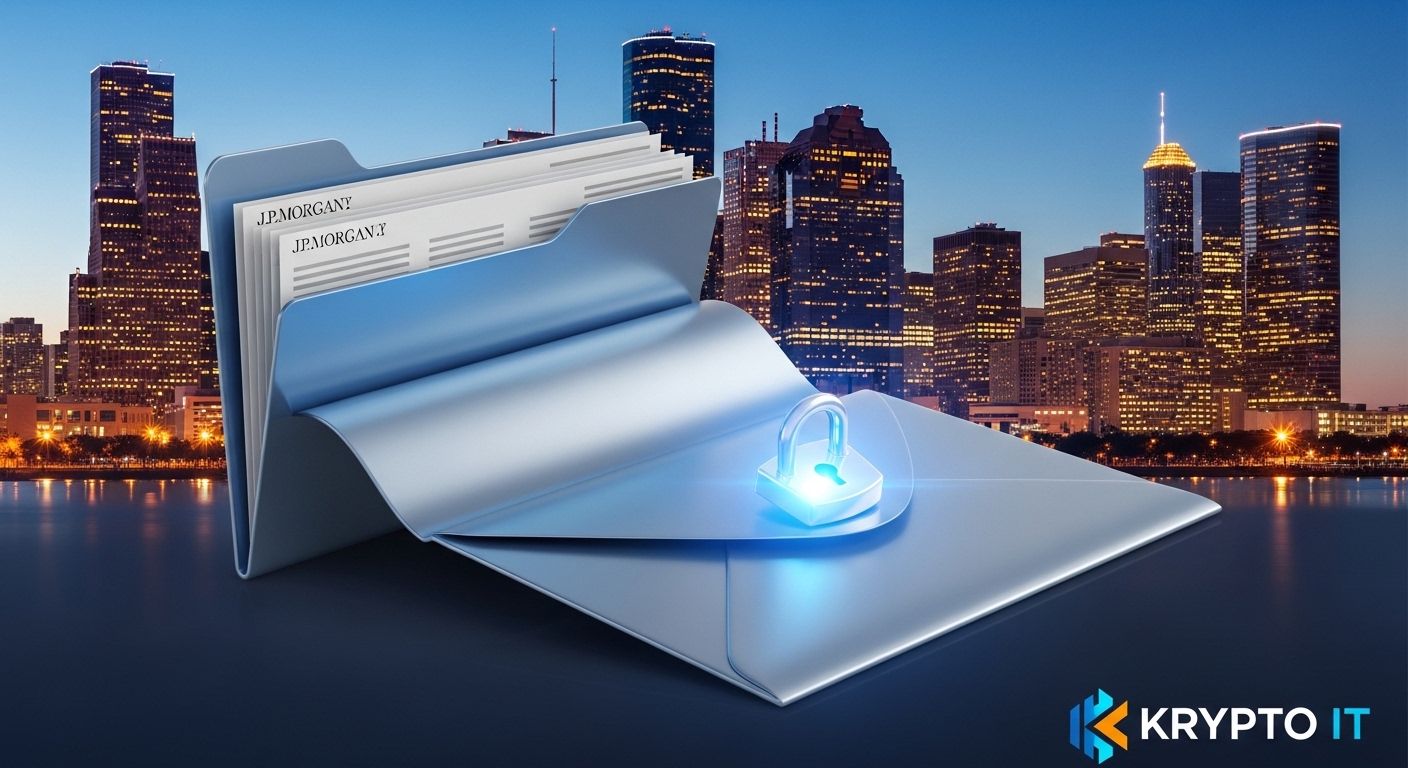
By the Team at Krypto IT | Your Houston Partners in Cybersecurity & Data Integrity
Think about the last time you sent a sensitive document. Maybe it was a payroll spreadsheet, a client’s tax return, or a proprietary blueprint for a project in the Houston Ship Channel. You likely attached the file to an email, typed a quick message, and hit “Send.”
In that split second, you might have exposed your business to a major security breach.
At Krypto IT, we find that file sharing is one of the most overlooked “holes” in a company’s armor. Most Houston business owners wouldn’t leave a physical folder of social security numbers on a park bench, yet they do the digital equivalent every day. To protect your business in 2026, you must understand why standard methods are failing and how to transition to truly secure file sharing.
1. The “Postcard” Problem: Why Email is Unsecure
Standard email was never designed for security; it was designed for speed. When you send a regular email, it isn’t a “sealed envelope” traveling directly to its destination. Instead, it is more like a postcard.
As your email travels across the internet, it passes through various servers and routers. At any point, a sophisticated hacker—or even a malicious script—can intercept that “postcard” and read the contents or download the attachment. If that attachment contains PII (Personally Identifiable Information) or sensitive intellectual property, the damage is done before the recipient even opens the message.
2. The Trap of “Shadow IT”
When employees find corporate file-sharing tools too cumbersome, they often turn to personal accounts—like a personal Dropbox, Google Drive, or even WeTransfer. This is known as Shadow IT.
The danger here is twofold:
- Zero Visibility: As a manager or owner, you have no way of knowing what data has been shared or who has access to it.
- The “Forever” Access: If an employee leaves your company but still has access to a personal folder containing your client files, your data is effectively walking out the door with them.
3. Calculating the Risk of a Leak
If you are sending a high volume of files over unsecured platforms (like standard email or personal cloud accounts) without strong encryption or “Active Revocation” (the ability to pull back access), your probability of a leak is nearly 100% over a long enough timeline.
4. The Anatomy of a Secure Transfer
So, how should you be sending data? A secure file-sharing solution in 2026 must have these three non-negotiable features:
A. End-to-End Encryption (E2EE)
This ensures that the file is encrypted on your device and only decrypted once it reaches the authorized recipient. Even if the file is intercepted in transit, it is nothing but a pile of digital gibberish to the hacker.
B. Granular Access Controls
You should be able to set “Rules of Engagement” for every file. This includes:
- Password Protection: Requiring a unique code to open the link.
- Expiration Dates: The link “self-destructs” after 24 or 48 hours.
- Download Prevention: The recipient can view the file in a secure browser but cannot save it to their local machine.
C. Audit Logging
If a client claims they never received a file, or if you suspect a breach, you need a “Paper Trail.” A professional system logs exactly who opened the file, when they opened it, and from what IP address.
5. Moving to a “Client Portal” Model
For Houston industries like legal, medical, and accounting, we recommend moving away from “sending” files entirely. Instead, move to a Secure Client Portal.
In this model, the file stays in your secure, encrypted environment. You send the client a secure link to log into the portal. This keeps the data under your roof and ensures that you maintain the “Master Key” at all times.
How Krypto IT Locks Down Your Data
At Krypto IT, we help Houston SMBs implement enterprise-grade file sharing that is actually easy for employees to use:
- Managed File Transfer (MFT): We set up systems like Microsoft OneDrive for Business or ShareFile with the “High-Security” settings turned on by default.
- Email Encryption Portals: We provide “One-Click” encryption so your team can send secure messages directly from Outlook or Gmail.
- Data Loss Prevention (DLP): We implement tools that automatically block a file from being sent if it contains sensitive patterns (like credit card numbers or SSNs).
- Employee Training: We teach your Houston team that the “easy way” isn’t always the “safe way.”
Conclusion: Protect Your Reputation, One File at a Time
A single intercepted attachment can lead to a lawsuit, a regulatory fine, or the loss of a major Houston client. Secure file sharing isn’t just a technical upgrade; it’s a commitment to your clients’ privacy.
Are you still sending “postcards” to your clients? Contact Krypto IT today for a “Secure File Sharing Audit” and let’s lock down your data transfers.