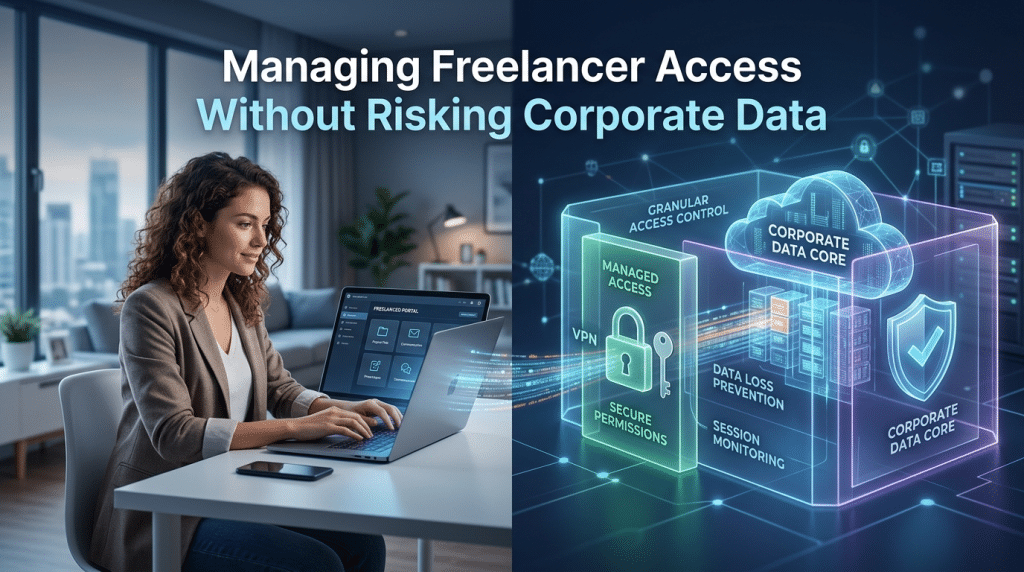
Managing Freelancer Access Without Risking Corporate Data
August 20, 2026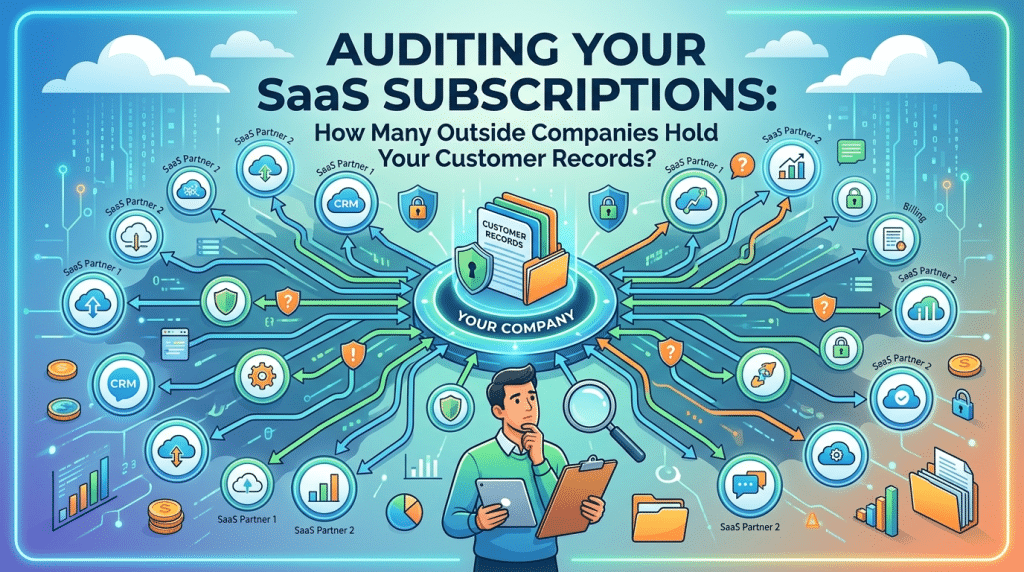
Auditing Your SaaS Subscriptions: How Many Outside Companies Hold Your Customer Records?
When business leaders are asked where their customer data lives, the default answer is usually straightforward: “In our CRM, our accounting database, and our primary cloud storage.”
In reality, customer data is rarely confined to those core systems. In the era of modern Software-as-a-Service (SaaS), customer names, email addresses, phone numbers, payment histories, and support tickets are scattered across dozens of external platforms.
Every time a department signs up for a specialized tool—whether an AI transcription service, an automated email sequencing platform, an online survey widget, or an external scheduling link—sensitive records get duplicated and stored on third-party servers.
This phenomenon, known as SaaS sprawl, introduces severe compliance blind spots and security vulnerabilities. If you do not know every outside company hosting your customer data, you cannot protect it, ensure regulatory compliance, or manage your supply chain risk.
Here is how to conduct a comprehensive SaaS subscription audit to uncover hidden customer data silos and regain control of your digital perimeter.
The Hidden Danger of Shadow IT and SaaS Sprawl
SaaS sprawl does not happen out of malice; it happens out of convenience. An employee needs to convert a PDF, build a quick customer feedback form, or test a new marketing workflow. Instead of waiting for formal IT procurement, they sign up for a free trial or expense a $15-per-month subscription on a corporate credit card.
While individual tools seem harmless, the cumulative effect creates significant risk:
- Unmonitored Data Duplication: When staff upload client lists or customer databases into third-party apps, those records reside on external infrastructure that IT administrators cannot monitor or encrypt.
- Weak Authentication: Shadow applications frequently use simple, standalone passwords without Multi-Factor Authentication (MFA) or Single Sign-On (SSO) enforcement.
- Orphaned Repositories: When an employee leaves the organization, their personal SaaS subscriptions often remain active, holding static customer databases indefinitely without corporate oversight.
- Compliance Violations: Privacy regulations like GDPR, CCPA, and industry standards like HIPAA require businesses to track, govern, and delete customer data upon request. Untracked SaaS subscriptions make complete data deletion impossible.
Step 1: Discover Every Active SaaS Tool
You cannot secure applications you do not know exist. A thorough SaaS audit requires cross-referencing multiple data streams to uncover both sanctioned and unsanctioned tools:
- Financial and Expense Auditing: Review corporate credit card statements, expense reports, and accounts payable ledgers for recurring software charges, micro-subscriptions, and vendor invoices.
- SSO and Identity Provider Logs: Inspect Microsoft Entra ID or Google Workspace audit logs to identify which third-party cloud apps employees have authenticated with using corporate email addresses.
- OAuth Consent Grants: Review granted OAuth app permissions to detect third-party tools that employees have authorized to read inboxes, calendars, or shared cloud folders.
- Network and DNS Traffic Analysis: Evaluate managed firewall and web-filtering logs to identify consistent traffic flowing to unapproved cloud domains and web applications.
Step 2: Map Data Ingestion and Categorize Risk
Once you have a complete inventory of active SaaS platforms, classify each tool based on the data it stores:
- Tier 1 (High Sensitivity): Apps storing Personally Identifiable Information (PII), payment details, proprietary intellectual property, or confidential client records (e.g., CRMs, billing systems, ticketing portals).
- Tier 2 (Internal Business Data): Tools holding internal operational notes, general communication, or non-sensitive project roadmaps (e.g., project boards, whiteboarding tools).
- Tier 3 (Public or Commodity Tools): Utility apps that process zero corporate or customer data.
For every Tier 1 and Tier 2 application, document exactly what customer fields are shared, how the vendor secures data, and whether a formal Data Processing Agreement (DPA) is in place.
Step 3: Consolidate, Sanitize, and Secure
After mapping your software inventory, take decisive action to reduce your attack surface:
- Decommission Redundant Applications: If different teams use three distinct project management apps or video tools, consolidate into a single, approved enterprise platform to eliminate data fragmentation.
- Enforce Single Sign-On and MFA: Integrate all approved SaaS tools into your central identity provider, ensuring access requires hardware-backed MFA and conditional access policies.
- Purge Orphaned Accounts: Revoke access for former staff, contractors, and inactive users to prevent unauthorized entry.
- Execute Formal Data Deletion: When canceling unneeded SaaS subscriptions, demand verified confirmation that all customer data, backups, and cached files have been permanently deleted from the vendor’s servers.
Regain Control of Your Cloud Data with Krypto IT
SaaS tools boost workplace productivity, but unchecked SaaS sprawl leaves customer records exposed to third-party vulnerabilities.
At Krypto IT, we help Houston businesses conduct comprehensive SaaS audits, discover shadow IT, and enforce strict Zero-Trust access governance across all cloud platforms.
Do you know how many outside companies currently hold your customer records? Contact Krypto IT today to schedule a comprehensive cloud subscription and data security audit.