Website Down: Is It a Glitch or a DDoS Attack?
May 17, 2026
Flooded Office: How Fast Can Your Team Recover?
May 20, 2026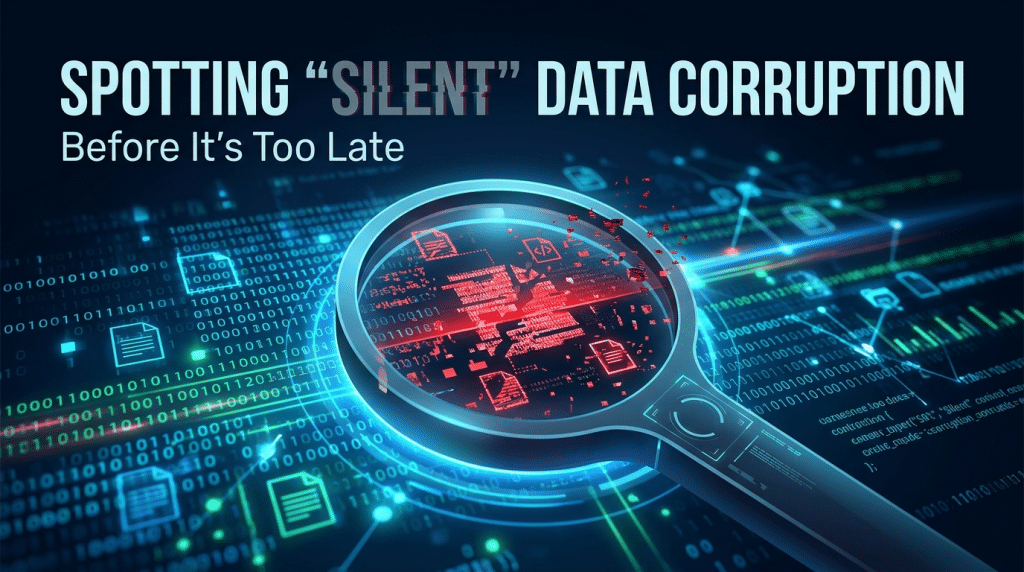
The Ghost in the Server: How to Detect and Prevent “Silent” Data Corruption in Your Firm
Imagine opening a critical business spreadsheet, an old project blueprint, or a historical financial audit, only to find that the file is unreadable. You did not delete it, no hacker encrypted it, and your server did not crash. The file simply decayed.
In the IT world, this insidious phenomenon is known as Silent Data Corruption, or more colloquially, “Bit Rot.”
Unlike a sudden hardware failure or a ransomware attack—where the damage is immediate and loud—silent data corruption happens quietly in the background. It alters individual bits of data without the operating system or the user realizing it. Over time, these microscopic errors accumulate, turning healthy, valuable corporate data into completely useless digital garbage.
For businesses relying on long-term data retention, bit rot is a hidden tax on operational continuity. Here is how to look beneath the surface, spot the signs of silent decay, and implement an infrastructure that proactively heals itself.
The Anatomy of Bit Rot: Why Data Decays
To understand silent data corruption, we have to look at how data is physically stored. Hard drives, solid-state drives (SSDs), and magnetic tapes store information as billions of ones and zeros. Over time, the physical media holding these bits can degrade due to a variety of environmental and technical factors:
- Magnetic Degradation: Over years, the magnetic charge on traditional hard drive platters can weaken, causing a bit to flip from a one to a zero or vice versa.
- Electrical Leakage: In SSDs, data is stored as electrical charges inside insulating pockets. Over time, these charges can slowly leak out, especially if the drive is left unpowered for extended periods.
- Stray Cosmic Rays: It sounds like science fiction, but background subatomic radiation can occasionally strike a memory chip or storage drive, altering data at random.
The terrifying aspect of this corruption is that traditional operating systems cannot see it happening. If a file’s metadata remains intact, your computer believes the file is perfectly fine—until you try to open it and the software crashes.
The Danger of Replicating the Rot
The true catastrophe of silent data corruption occurs when it interacts with your automated backup routines.
If a file undergoes bit rot on your primary server, your backup software will see that the file has a “new” modified status. It will dutifully copy the corrupted file over your clean backup copy. If you do not catch the corruption before your backup retention window closes, you will end up with a corrupted live file and a corrupted backup file.
When you finally go to access that archive two years from now, you will find that your safety net has failed entirely.
How to Spot the Silent Corruption
Because bit rot does not trigger standard error messages, you have to use advanced data integrity tools to find it. Here are the primary methods for catching silent corruption before it destroys your records:
1. File Hashing and Checksums
A checksum is a unique cryptographic “fingerprint” generated by running a file through an algorithm (like SHA-256). If a single bit inside that file changes, the fingerprint alters completely. By regularly calculating and comparing file checksums against a master ledger, security software can instantly identify files that have experienced unauthorized, silent structural changes.
2. Scheduled Data Scrubbing
Enterprise storage environments should be configured to perform regular “data scrubbing.” This is an automated background process that reads all data blocks on a storage array, verifies their integrity against parity data, and flags any discrepancies for correction.
Rebuilding Your Defense: The Self-Healing Architecture
You cannot stop the laws of physics from degrading storage hardware, but you can build a digital environment that automatically fixes the damage. At Krypto IT, we help organizations implement a multi-layered framework to eliminate the risk of bit rot:
- Next-Generation File Systems: We deploy advanced file systems like ZFS or Btrfs for corporate storage. These systems feature native, end-to-end data integrity verification. They write cryptographic checksums directly beside the data. If a bit flips, the file system detects the error upon reading and automatically uses parity data to heal the corrupted file on the fly, without interrupting your workflow.
- Immutable, Multi-Generational Backups: We ensure your backup architecture includes read-only, immutable historical snapshots. Because these snapshots cannot be overwritten by automated routines, they preserve a pristine, uncorrupted version of your data history regardless of what happens on the live server.
- Regular Hardware Lifecycle Refreshes: We eliminate aging, high-risk storage media before magnetic degradation sets in, replacing drives systematically according to strict performance thresholds.
Conclusion: Protecting the Integrity of Your Assets
In the digital economy, your historical data is a core asset. Allowing it to silently erode in the background compromises your regulatory compliance, your operational intelligence, and your competitive edge. By moving to a self-healing storage model and verifying your files cryptographically, you ensure that your digital legacy remains intact for decades to come.
Is your data silently decaying behind the scenes? Contact Krypto IT today for a comprehensive “Data Integrity and Storage Audit” and let’s secure your digital vault.