The Clean Exit: A Manager’s Strategic Guide to Secure Employee Offboarding
January 23, 2026
60 Minutes to Save Your Business: A Critical Incident Response Guide for Houston SMBs
January 25, 2026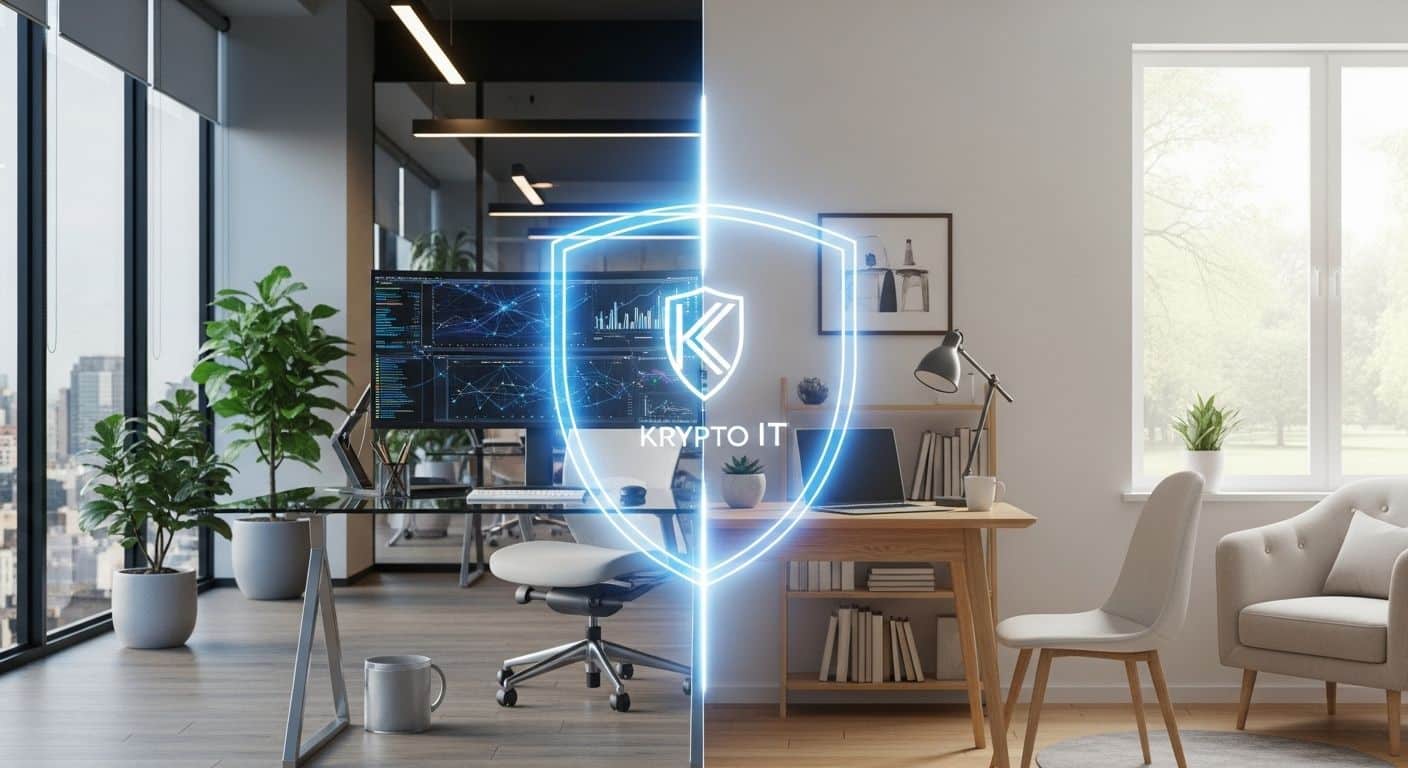
By the Team at Krypto IT | Cybersecurity Experts Serving Houston SMBs
In the Houston business landscape of 2026, the “office” is no longer a specific floor in a Downtown skyscraper or a suite in the Energy Corridor. For many of us, the office is a spare bedroom in Katy, a dining table in Sugar Land, or a quiet corner of a coffee shop in the Heights.
While remote work has unlocked incredible flexibility and productivity, it has also dismantled the traditional “security perimeter.” When your employees work from home, they are often operating on unmanaged networks alongside smart fridges, gaming consoles, and personal tablets. At Krypto IT, we believe that remote work shouldn’t be a gamble.
To protect your data, you must stop treating the home office like a “guest” connection and start treating it like a high-security node. Here is our 5-step roadmap to securing your team’s remote setup.
Step 1: Harden the “Endpoint” with Managed EDR
In a remote setup, the laptop is the new “front door” to your business. Traditional antivirus (AV) is no longer enough because it only looks for known threats. If an employee’s child accidentally downloads a “Zero-Day” malware strain while playing a game on a work laptop, traditional AV will let it right in.
The Solution: Implement Managed Endpoint Detection and Response (EDR). EDR uses AI to monitor the behavior of the computer. If a process starts acting like a hacker—trying to encrypt files or “talk” to a server in a foreign country—EDR kills the process in milliseconds, regardless of whether the computer is on your office Wi-Fi or a home network.
Step 2: Move Beyond the VPN to “Zero Trust”
For years, the Virtual Private Network (VPN) was the go-to for remote work. But VPNs have a fatal flaw: once a user is “in” the tunnel, they often have broad access to the entire network. If a hacker steals a VPN credential, they have a “highway” into your servers.
The Solution: Adopt a Zero Trust Network Access (ZTNA) model. Zero Trust operates on a simple principle: “Never trust, always verify.”
In a Zero Trust model, the user only gets access to the specific apps they need to do their job, and only after their device is verified as clean and updated.
Step 3: Mandate Phishing-Resistant MFA
We’ve said it before, and we’ll say it again: passwords are the weakest link. In a remote environment, where you can’t see who is sitting behind the screen, proving identity is everything. However, traditional “text code” MFA can be intercepted or “bombed.”
The Solution: Move to Phishing-Resistant MFA. This includes biometrics (like Windows Hello or FaceID) or physical security keys (YubiKeys). These methods are “bound” to the hardware, meaning even if a hacker tricks an employee into visiting a fake login page, the hacker cannot steal the login token.
Step 4: Isolate “Home” from “Work” via DNS Filtering
Most home routers are incredibly unsecure. If an employee’s smart home device is compromised, a hacker can perform a “Man-in-the-Middle” attack on the work laptop.
The Solution: Implement Cloud-Based DNS Filtering. This acts as an “Invisible Security Guard” that travels with the laptop. Whether the employee is on their home Wi-Fi or a public network at Bush Intercontinental Airport, the DNS filter blocks access to malicious websites and “Command and Control” servers, ensuring that the work device remains isolated from the local network’s threats.
Step 5: Build a “Security-First” Culture
The best technology in the world can be undone by a single “wrong click.” Remote employees are often more relaxed at home, making them more susceptible to social engineering.
The Solution: Conduct regular, Remote-Specific Security Training. Teach your team about “Quishing” (QR code phishing) and “Deepfake BEC.” At Krypto IT, we provide simulated phishing tests that help your team stay sharp by identifying the latest tactics in a safe environment.
Conclusion: Security is a Journey, Not a Destination
Securing a remote team isn’t a one-time project; it’s an ongoing strategy. By following these five steps, you transform your distributed workforce from a liability into a resilient, secure operation.
Krypto IT specializes in helping Houston SMBs navigate the complexities of hybrid and remote work. We handle the technical heavy lifting so you can focus on growing your business from wherever you choose to work.
Is your remote setup a “Security Sieve”? Contact Krypto IT today for a “Remote Workforce Security Audit” and let’s lock down your distributed perimeter.