Cloud Backup vs. Cloud Archiving: Know the Difference
November 30, 2025
Remote Wipe: Your Last Resort in a Lost Device Scenario
December 4, 2025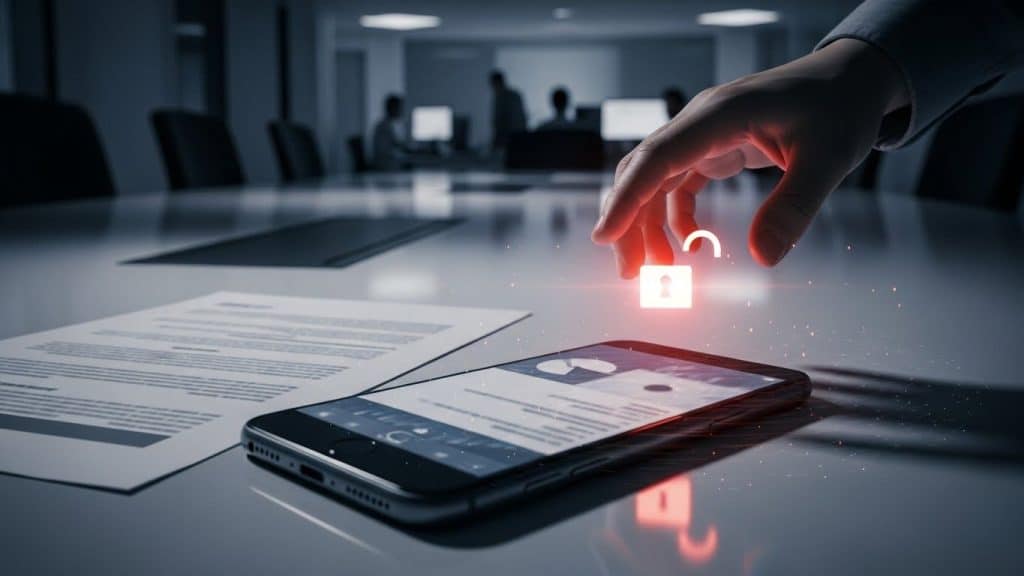
By the Team at Krypto IT | Cybersecurity Experts Serving Houston SMBs
For the small to medium-sized business (SMB) workforce, the smartphone is arguably the most essential tool of the day. It handles email, accesses cloud files, manages calendars, and connects directly to your most critical applications. But this convenience comes with a massive security paradox: the device your employees treat as personal entertainment is often the weakest, least-secured link in your corporate network.
The unsecured mobile phone is a primary vector for data leakage and network compromise. Unlike a managed desktop computer, an employee’s personal phone is rarely patched, often exposed to insecure public Wi-Fi, and filled with apps and personal settings that you cannot control.
At Krypto IT in Houston, we understand that you can’t ban mobile devices, but you must secure them. This guide breaks down the core risks associated with employee mobile devices and outlines the non-negotiable protections required to safeguard your SMB.
1. The BYOD (Bring Your Own Device) Security Gap
Whether you formally allow BYOD or not, employees are using their personal phones to access work resources. This creates a dangerous security gap that hackers actively exploit.
- Lack of Control: You cannot enforce strict security policies on a personal device. The employee might decline OS updates, use a simple 4-digit PIN, or leave it unsecured in a public area.
- App Overload: Personal phones are loaded with consumer apps, many of which require extensive permissions (e.g., access to contacts, storage, or microphone). If any one of these personal apps is compromised, the malware gains a direct line to your corporate data stored on that phone.
- Public Wi-Fi Exposure: Employees frequently connect to unsecured public Wi-Fi networks (at hotels, cafes, or gyms) without a corporate VPN. This exposes login credentials and corporate data to “man-in-the-middle” attacks where nearby criminals intercept the traffic.
2. Identity Theft: The Ultimate Credential Compromise
The phone is not just a tool; it is the ultimate authenticator. This means securing the phone is the final defense against identity compromise.
- Multi-Factor Authentication (MFA) Target: While MFA is your best defense against stolen passwords, many users rely on SMS text messages for the second factor. Cybercriminals use sophisticated SIM-swapping attacks to steal the employee’s phone number, intercept the MFA code, and gain access to the account.
- Mobile Phishing (Smishing): Phishing attacks delivered via text message (smishing) are highly effective because mobile users are often rushed and less likely to scrutinize a link or sender. A tap on a malicious link can lead to credential theft or the download of mobile malware.
3. The Physical Loss and Data Leak Risk
The portability of smartphones—a massive convenience—is also their greatest physical risk. Phones are easily lost, stolen, or misplaced.
- The Exposure: A lost phone that has access to your Microsoft 365 email and files, and is secured only by a simple PIN, represents an immediate and massive data breach risk.
- Compliance Failure: If a lost phone contained unencrypted customer data (PII or PHI), your SMB could be liable for hefty fines under HIPAA or state privacy laws.
The Non-Negotiable Mobile Security Checklist
You cannot afford to let your business security end at the pocket. You must enforce these solutions:
1. Mandatory Mobile Device Management (MDM)
MDM software is the only way for your SMB to maintain control over corporate data on personal devices. Krypto IT deploys MDM to:
- Enforce Encryption: Mandate that the device uses full-disk encryption.
- Segregate Data: Create a secure, encrypted container or workspace on the phone for all work apps and files, separating them from personal data.
- Remote Wipe: Grant the ability to remotely wipe only the corporate data container if the device is reported lost or stolen.
2. Enforce Strong MFA and Biometrics
You must ensure all accounts accessing corporate data use strong MFA, preferably through an Authenticator App (like Google or Microsoft Authenticator) rather than less secure SMS codes. Additionally, mandate that the device itself must be secured with biometrics (fingerprint/face ID) and a strong complex password/passcode.
3. Require Corporate VPN Usage
For remote employees connecting to corporate resources, mandate the use of a company-approved Virtual Private Network (VPN). This encrypts data, protecting it from interception on public Wi-Fi and mitigating the public network risk.
4. Continuous Mobile Security Awareness
Mobile devices are targeted differently than desktops. Training must include:
- Recognizing smishing texts and malicious QR codes.
- The dangers of sideloading apps (installing apps outside official app stores).
- Immediate reporting procedures for lost devices or suspicious activity.
Krypto IT: Securing the Mobile Frontier
Mobile device security requires constant vigilance, rapid response capability (remote wipe), and continuous policy enforcement—tasks that are impossible for an SMB to manage internally.
Krypto IT specializes in managing this crucial segment of your network. We deploy and manage MDM solutions, enforce strict access controls via IAM, and ensure your team has the awareness needed to protect your data, regardless of where their phone takes them.
Don’t let the convenience of mobile devices become your next security catastrophe.
Contact Krypto IT today for a complimentary Mobile Device Security assessment.