The $50,000 Email: Wire Transfer Fraud Lessons
August 9, 2026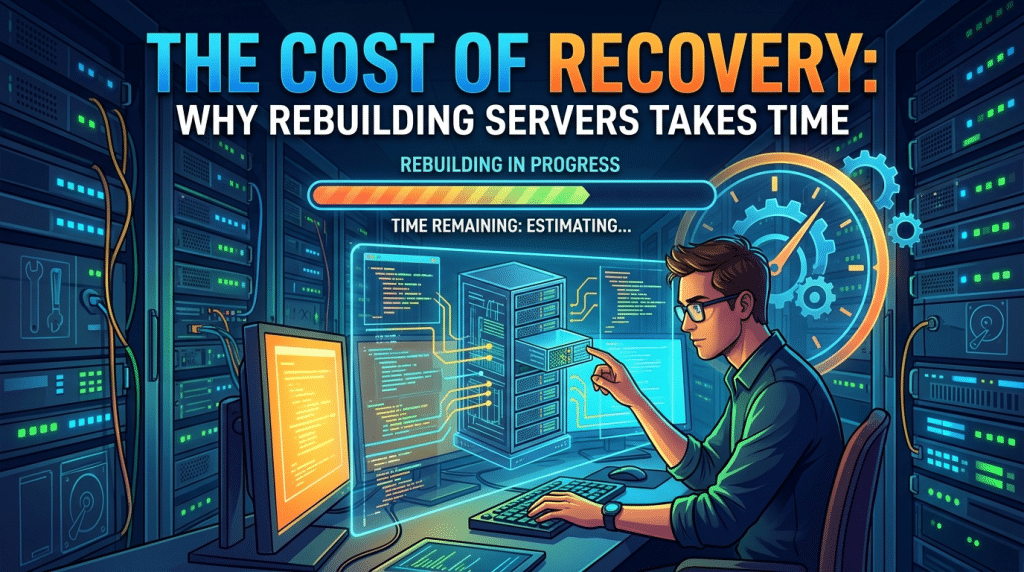
The Cost of a Recovery: Why Rebuilding a Server From Scratch Takes More Than One Day
When a critical business server crashes due to severe hardware failure, ransomware, or operating system corruption, business owners often expect a quick fix. A common assumption is that restoring a server from a backup takes just a couple of hours—plug in a drive, click a few buttons, and get everyone back to work before lunch.
However, rebuilding an enterprise server from scratch is rarely a simple “copy-and-paste” operation. Reconstructing a complex server environment requires systematic steps, data integrity verification, and security auditing to ensure the system is completely clean and stable. Understanding the true timeline of a server rebuild helps business leaders set realistic expectations and prepare their organization for business continuity during a major disaster.
Step 1: Triage, Root-Cause Analysis, and Hardware Preparation
Before any data restoration begins, technical teams must diagnose why the original server failed. Attempting to restore a server onto faulty hardware or onto a network infected with active ransomware will simply lead to another crash.
Engineers must inspect the underlying hardware components, check RAID storage arrays for failed drives, and test physical memory modules. If the failure was caused by a cyber incident, the environment must be isolated to ensure the threat actor no longer has an active foothold on the network.
Once the environment is secured, replacement hardware must be provisioned, configured with proper BIOS/UEFI settings, and partitioned correctly to receive the operating system and data volumes. This initial diagnostic and preparation phase often takes several hours.
Step 2: Bare-Metal Operating System and Base Configuration
Restoring raw files is not enough to make a server operational; the system needs an operating system configured to handle corporate workloads.
Engineers perform a bare-metal restore or install a fresh operating system image. This step involves installing motherboard chipsets, RAID controller drivers, and network interface software tailored specifically to the new or repaired hardware. Following base installation, critical core roles must be re-established—such as Active Directory, Domain Name System (DNS), and Network File System permissions. Re-establishing these underlying directory services is crucial because every user login, printer connection, and file access permission relies on them.
Step 3: Transferring Terabytes of Data
The physical transfer of data is one of the most time-consuming phases of a server rebuild. Modern small and mid-sized businesses routinely store terabytes of data, including active databases, historical accounting records, client files, and system images.
Even on fast local networks, transferring terabytes of data takes hours. If the backup must be retrieved from a cloud repository over a standard business internet connection, the download process alone can stretch into 12 to 24 hours depending on available bandwidth. Data transfer speeds are limited by network throughput, storage drive write speeds, and the sheer volume of individual files being processed.
Step 4: Database Consistency and Integrity Checks
Once files are physically transferred to the server, the rebuild is still not complete. Databases—such as Microsoft SQL, Line-of-Business ERP software, or financial management systems—are highly sensitive to unexpected shutdowns and power loss.
Restoring raw database files can lead to index corruption or missing transactions. Engineers must run comprehensive integrity checks, repair database indexes, and verify that application services can read the restored records cleanly. If transaction logs need to be replayed to bring the database up to the exact moment before the crash, this process requires careful manual intervention to prevent data loss.
Step 5: Application Reconfiguration, Security Auditing, and Testing
With the operating system restored and data verified, focus shifts to user access, application connections, and security hardening.
- Security Patching: The restored server must be updated with the latest operating system security patches, antivirus definitions, and Endpoint Detection and Response (EDR) tools before rejoining the primary network.
- Access Control Verification: Active Directory accounts, user permissions, group policies, and shared folder access rights must be verified to ensure staff members can access their files without administrative errors.
- Third-Party Integration: Business software packages, line-of-business applications, email connectors, and peripheral devices (such as network scanners and backup agents) must be re-linked and tested.
- User Acceptance Testing: Before handing the system back to the entire company, key staff members perform test logins to verify that core workflows function properly.
How to Accelerate Recovery Timelines with Modern BDR
While rebuilding a traditional server from scratch takes 24 to 48 hours or more, businesses can significantly reduce downtime by implementing modern Backup and Disaster Recovery (BDR) appliances.
Advanced BDR solutions utilize image-based backups and virtualization capabilities. Rather than waiting hours to rebuild hardware and transfer raw data, a BDR appliance can virtualize a failed server locally in minutes. The business runs off the temporary virtual server while engineers perform the complete hardware rebuild in the background, minimizing operational downtime.
Partner with Krypto IT for Complete Disaster Preparedness
Server crashes and hardware failures are inevitable over time, but multi-day operational disruptions do not have to be.
At Krypto IT, we help Houston businesses design and deploy robust Backup and Disaster Recovery strategies that eliminate lengthy rebuild delays. From instant local virtualization to automated daily recovery testing, our team ensures your core business systems can withstand hardware failures and cyber incidents.
Is your business prepared to survive a major server crash? Contact Krypto IT today to review your disaster recovery and business continuity plan.