
How to Run a 30-Minute Disaster Recovery Tabletop Drill
August 26, 2026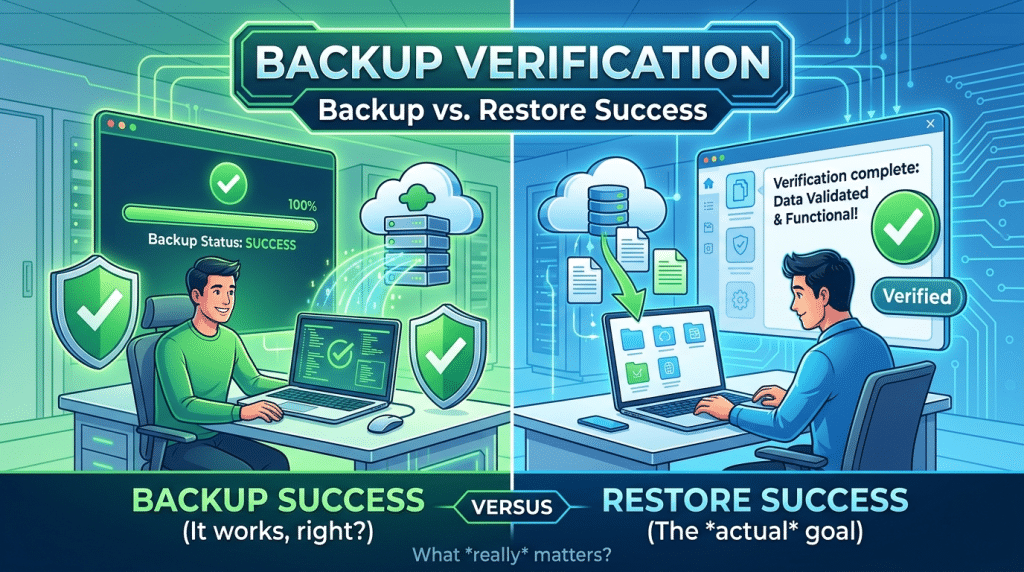
Backup Verification: The Critical Difference Between a Backup and a Restore
Every morning, IT administrators and business leaders across the country glance at automated backup notifications. A green checkmark appears on the dashboard alongside the reassuring status: “Backup Completed Successfully.” With that single notification, leadership breathes a sigh of relief, confident that if a hardware failure, natural disaster, or ransomware attack strikes, corporate data is completely safe.
Unfortunately, that green checkmark is one of the most dangerous illusions in modern IT operations.
There is a massive, fundamental difference between a successful backup job and a successful restore. A backup job merely confirms that a software process read a set of files from a source, compressed them, and transferred an archive to a storage destination without crashing. It does not verify that the data is uncorrupted, that underlying operating system dependencies are intact, or that your business applications can actually spin up and function during a real emergency.
When a crisis occurs, your business does not need a backup—it needs a restore. Understanding the hidden failure points between backup completion and operational recovery is essential to ensuring business survival.
Why “Successful” Backups Fail During Restores
A backup file can complete with zero recorded errors and still prove entirely useless when disaster strikes. Several common underlying issues turn successful backups into failed restores:
1. Silent Data Corruption and Bit Rot
Data degradation, hardware controller errors, or storage sector decay can corrupt data blocks quietly over time. If corrupted files are packaged into a nightly backup, the backup software dutifully copies the corrupted blocks and reports success. When you attempt to extract the database weeks later, the restoration process fails due to unreadable, corrupted archives.
2. Open Files and Broken Database Consistency
Modern databases—including Microsoft SQL, Oracle, and Exchange—are dynamic systems with active read and write operations occurring continuously. If a basic file backup tool copies database files without utilizing proper Volume Shadow Copy Service (VSS) writers, the resulting snapshot captures inconsistent, fragmented transaction logs. While the file transfer succeeds, the database engine will crash on startup during recovery.
3. Missing System State and Configuration Dependencies
Restoring a critical line-of-business application involves far more than restoring raw data files. Applications require specific operating system patches, registry settings, Active Directory dependencies, firewall rules, and network configurations. If your backup strategy captures isolated folders rather than full, bootable system states, restoring operations requires days of manual rebuilding.
4. Ransomware and Incomplete Snapshots
Modern cybercriminals actively target backup repositories before deploying ransomware. Attackers may silently corrupt backup catalogs, disable automated snapshot schedules, or deploy sleeper malware that lies dormant inside backup images. When organizations restore infected backups, they inadvertently re-infect their clean infrastructure.
The Solution: Automated and Continuous Backup Verification
Relying on log files alone leaves your business vulnerable. True business continuity requires replacing passive status checks with active, automated verification protocols.
1. Automated Virtual Machine Screenshot Verification
Modern Business Continuity and Disaster Recovery (BCDR) solutions go beyond checksums. Advanced platforms automatically spin up the backup image in an isolated cloud sandbox, boot the operating system, confirm that services start normally, and capture a timestamped screenshot of the operating system login screen. This provides definitive visual proof that the backup image is fully functional.
2. Database and Service Integrity Checks
Automated verification should test application-level health. Scripts should query restored database instances, verify database page integrity, and validate that critical background services (such as Active Directory and line-of-business ERP tools) reach a ready state.
3. Air-Gapped and Immutable Cloud Storage
To prevent ransomware from tampering with recovery points, ensure backup snapshots are stored in write-once-read-many (WORM) immutable storage repositories. Immutable snapshots cannot be modified, encrypted, or deleted by unauthorized internal users or external threat actors.
4. Routine Manual Recovery Drills
Automated testing is vital, but human verification ensures procedural readiness. Schedule semi-annual recovery exercises where your team restores production workloads to alternate hardware or cloud environments to measure actual Recovery Time Objectives (RTO) under pressure.
Secure Your Business Continuity with Krypto IT
A backup is merely a promise, but a verified restore is a guarantee. Protecting your operations requires moving past green dashboard checkmarks to implement proven, verified disaster recovery systems.
At Krypto IT, we deliver enterprise-grade Business Continuity and Disaster Recovery (BCDR) solutions that feature automated boot verification, continuous screenshot validation, and immutable cloud replication to ensure your business recovers seamlessly from any disruption.
When was the last time you verified that your backups actually restore? Contact Krypto IT today to schedule a comprehensive backup and disaster recovery audit.