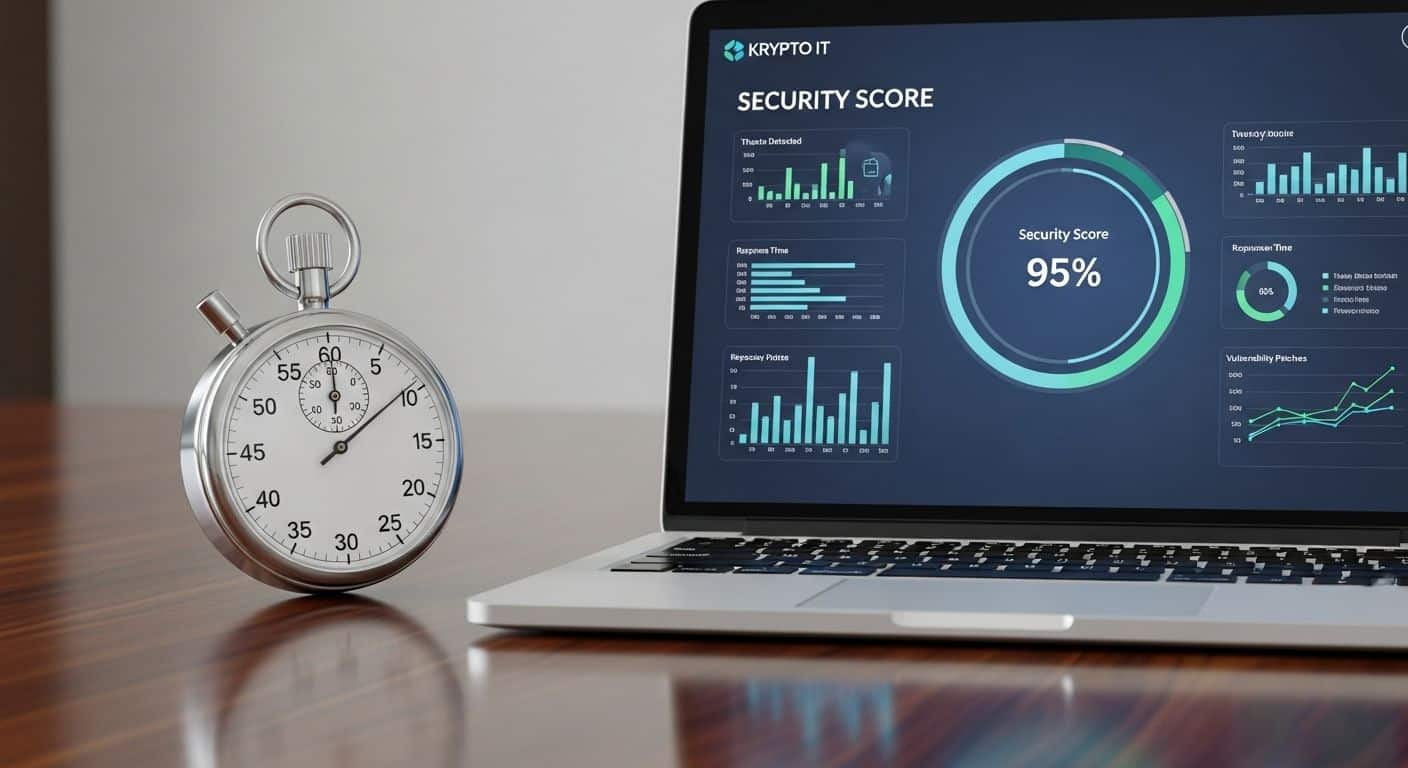
How to Audit Your Business Security in Just 10 Minutes: A Guide for Houston SMBs
January 19, 2026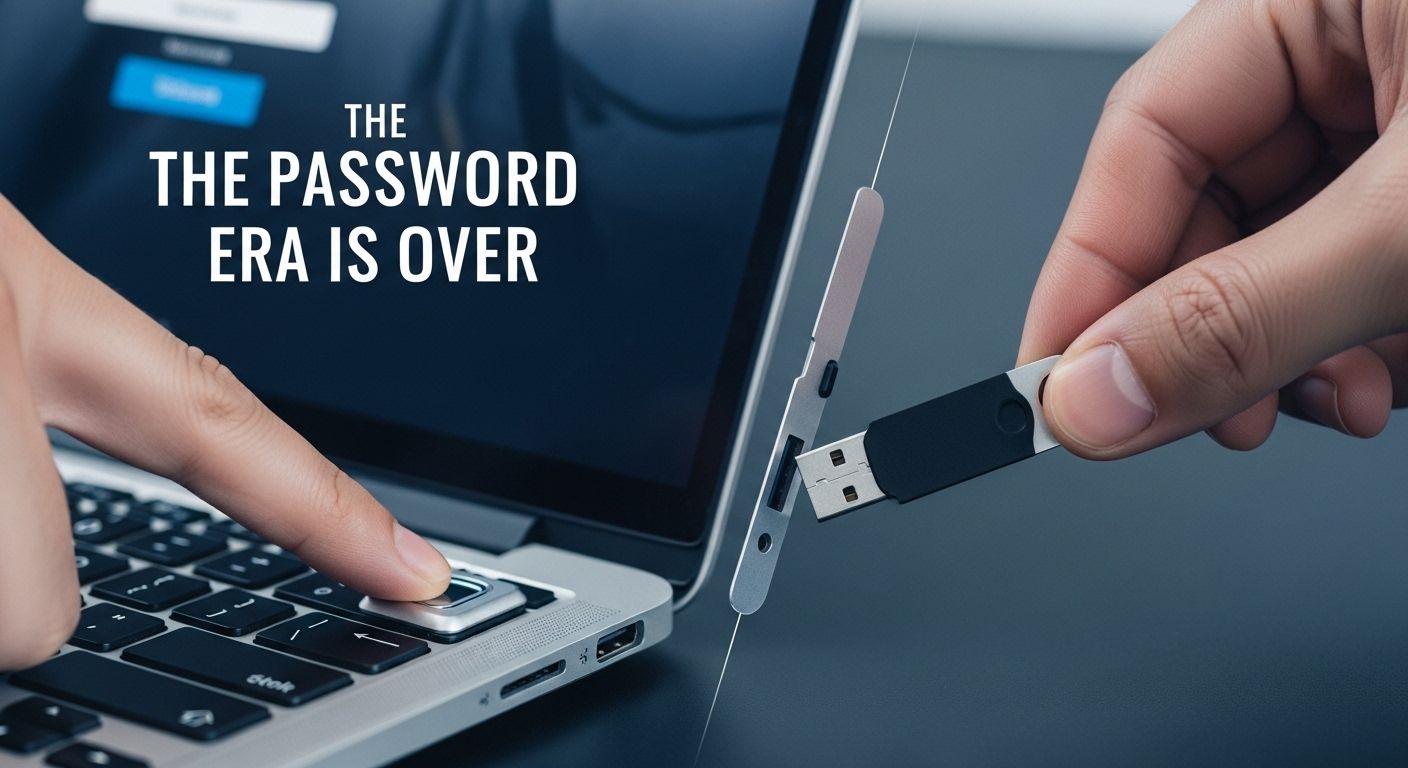
Stop Relying on Codes: Why Your Houston Business Needs Passwordless Security Now
January 22, 2026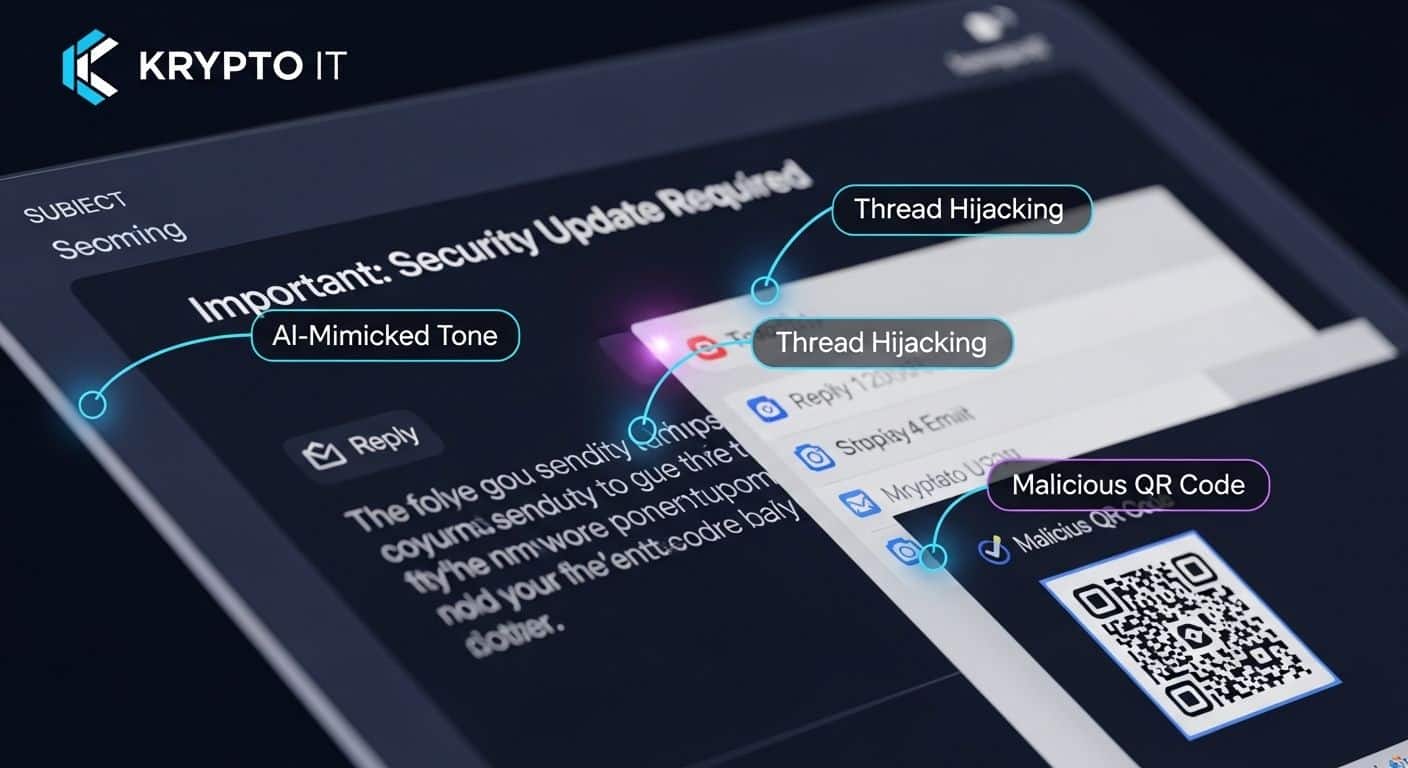
By the Team at Krypto IT | Cybersecurity Experts Serving Houston SMBs
If you asked a Houston business owner five years ago how to spot a phishing email, they would have given you a standard checklist: “Look for bad grammar, check for misspelled words, and watch out for generic greetings like ‘Dear Customer.'”
In 2026, that checklist is obsolete.
Thanks to the rise of advanced Generative AI and LLMs (Large Language Models), cybercriminals can now generate “perfect” emails. There are no typos. The tone is professional. The logos are high-resolution. In fact, many phishing emails today look more professional than the legitimate ones they are mimicking. At Krypto IT, we’ve seen that the “Old Red Flags” have been replaced by sophisticated psychological triggers.
Here is your updated visual guide to spotting a phishing attack in 2026.
1. The “Perfect” Tone: AI Style Mimicry
The biggest change in 2026 is Style Mimicry. A hacker can feed three of your LinkedIn posts or two of your previous company newsletters into an AI tool and tell it to “Write an urgent email to my team in this exact voice.”
What to look for:
- The “Vibe” Shift: Even if the grammar is perfect, does the request seem out of character? If your CEO usually signs off with “Best, Mike” but the email says “Sincerely, Michael,” that is a red flag.
- The Artificial Urgency: AI is programmed to be persuasive. Watch for phrases like “To avoid a disruption in Houston operations,” or “Immediate action required to secure your Q3 bonus.”
2. Thread Hijacking: The “Internal” Trap
This is one of the most successful tactics we see targeting Houston SMBs today. A hacker gains access to a vendor’s email account and finds an old, legitimate email thread between you and that vendor. They then “reply” to that thread with a malicious link or attachment.
What to look for:
- The Sudden Pivot: You were discussing a project timeline three months ago, and suddenly they reply with: “By the way, I forgot to send the updated wire instructions for the new invoice. See attached.”
- The Context Gap: If an old conversation suddenly springs back to life with an unrelated attachment, pick up the phone.
3. The “Quishing” (QR Code) Visual
Because email filters have become very good at scanning text-based links, hackers are now hiding their “hooks” inside images—specifically QR codes.
What to look for:
- The “Scan to Verify” Prompt: Legitimate companies (like Microsoft or your bank) will almost never send you an email asking you to scan a QR code to “verify your identity” or “unlock your account.”
- The Device Jump: If an email encourages you to move the conversation from your secure work computer to your personal smartphone camera, it is almost certainly a scam.
4. The URL Obfuscation: Look-Alike Domains
Hackers use “Punycode” and subtle character swaps to create URLs that look identical to the real thing at a quick glance.
What to look for:
- Character Swaps: micros0ft.com instead of microsoft.com (using a zero).
- Homoglyphs: Using a Cyrillic “а” instead of a Latin “a.” It looks identical on your screen, but it leads to a completely different server.
- The Hover Test: Always hover your mouse over a link (without clicking!) to see the true destination in the bottom corner of your browser.
5. The “Adversary-in-the-Middle” (AiTM) Login
In 2026, a fake login page isn’t just a static image. It is a live “proxy” that mirrors the real site. When you enter your credentials and your MFA code, the hacker captures them in real-time and logs in as you.
What to look for:
- The “Wrong” URL: You might be on a page that looks exactly like the Microsoft 365 login, but the URL in the address bar is something like login-microsoft-security-verify.com.
- The Timing Lag: If the site feels “sluggish” or the MFA prompt takes longer than usual to appear, the hacker’s proxy might be struggling to keep up.
How Krypto IT Protects Your “Human Firewall”
Software alone isn’t enough. At Krypto IT, we provide a multi-layered defense to keep these “perfect” emails out of your inbox:
- Computer Vision Filtering: Our security tools “look” at images and QR codes within emails, identifying malicious destinations before you ever see them.
- Simulated Phishing Attacks: We send “safe” fake phishing emails to your team to see who clicks. This turns a mistake into a teachable moment.
- Identity Guarding: We implement “Phishing-Resistant MFA” (like FIDO2 keys or biometrics) that cannot be intercepted by an AiTM proxy.
Conclusion: Verification is the Only Defense
In the age of AI, you can no longer trust your eyes. You must trust your Security Process. Krypto IT is here to ensure that your Houston team has the tools and the training to stay one step ahead of the hackers.
Want to see how “Phish-Proof” your team really is? Contact Krypto IT today for a “Social Engineering Baseline Test” and let’s find your vulnerabilities before the hackers do.