From Kitchen Tables to Corporate Servers: 5 Steps to Secure Your Remote Workforce
January 24, 2026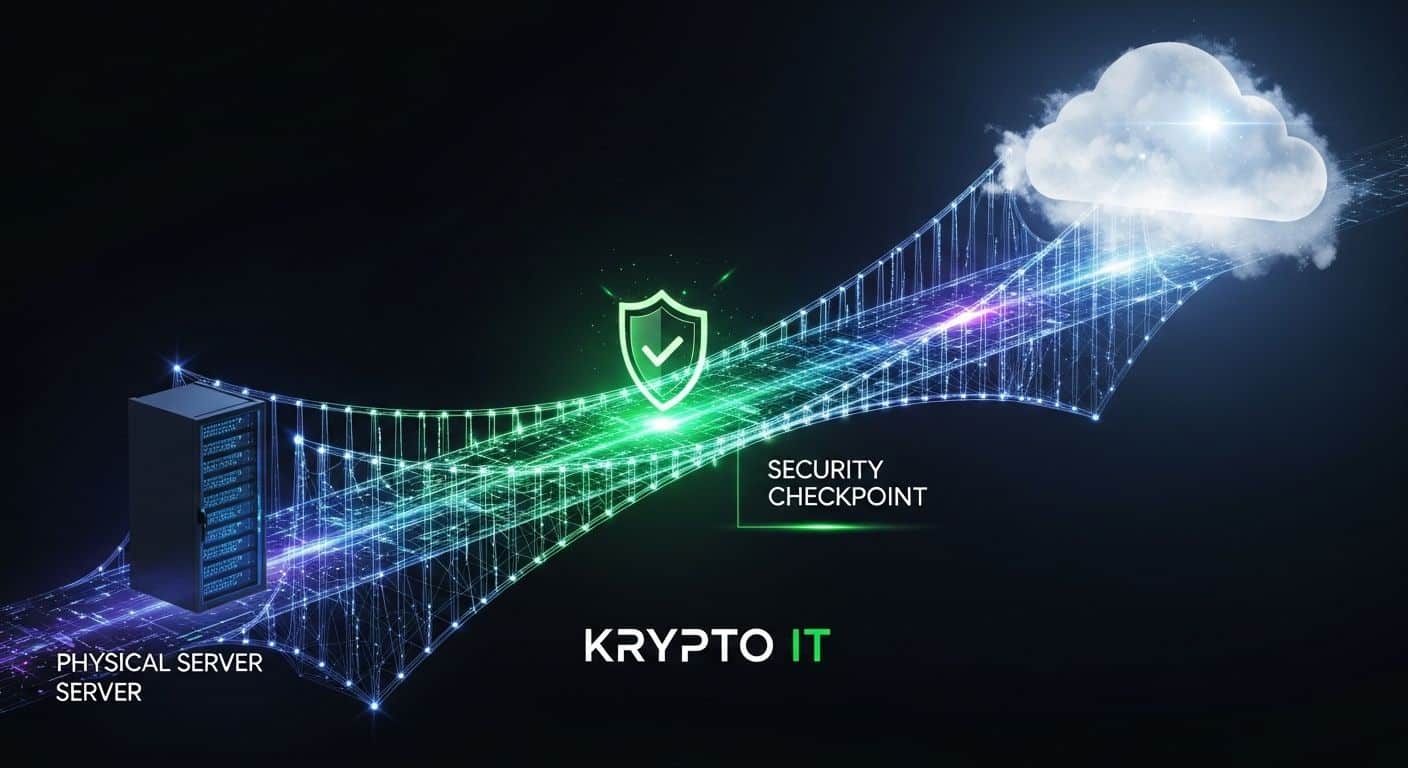
How to Migrate to the Cloud Securely: A Strategic Roadmap for Houston Small Business
January 27, 2026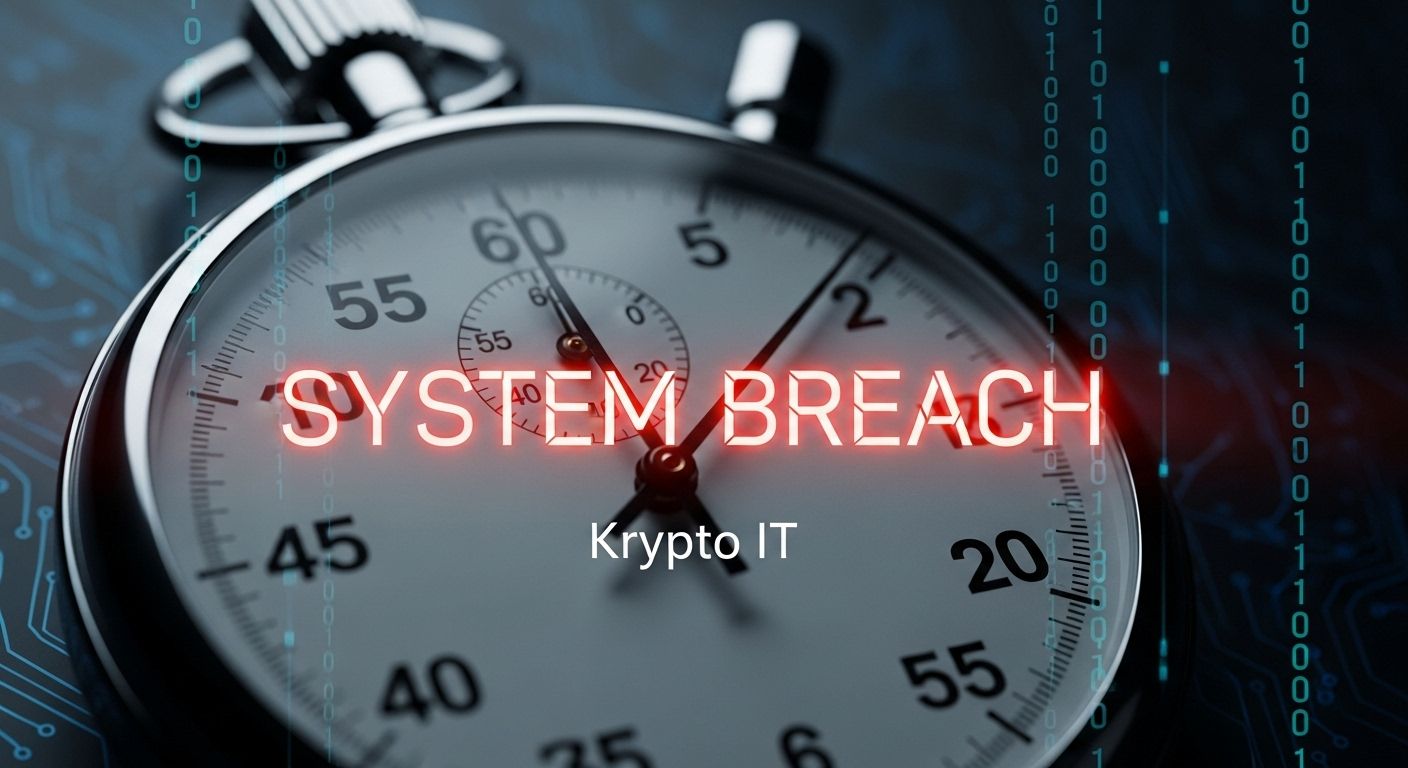
By the Team at Krypto IT | Cybersecurity Experts Serving Houston SMBs
Imagine it’s a Tuesday morning in your Houston office. You’re settling in with your coffee when your office manager walks in, pale-faced. “The server is acting strange,” they say. “I can’t open any of our client files, and there’s a weird text file on my desktop named ‘README_TO_DECRYPT’.”
The temperature in the room drops. You’ve just realized your business is a victim of a cyberattack.
In the world of cybersecurity, we say that a breach is a “High-Entropy Event.” Everything happens at once, and panic is your worst enemy. At Krypto IT, we’ve seen that the survival of a Houston SMB is often determined by what happens in the first 60 minutes of a breach. If you react correctly, you can contain the damage. If you react poorly, you might lose your data forever.
Here is your 60-minute “Golden Hour” incident response plan.
Minute 0–10: Verification and Triage
The first ten minutes are about confirming the threat. Not every slow computer is a hack, but you must treat it as one until proven otherwise.
The Strategy:
- Identify the “Patient Zero”: Which computer showed the first symptoms?
- Look for Red Flags: Are files changing extensions? Is the computer fan spinning at maximum speed? Are there pop-ups demanding Bitcoin?
- Verify the Scope: Is it just one laptop, or is the entire local network affected?
The Rule: Do NOT restart the computer yet. While it’s tempting to hit the power button, many modern ransomware strains trigger a final encryption wipe upon reboot. Additionally, restarting clears the “RAM,” which contains vital forensic evidence we need to track how the hacker got in.
Minute 10–30: Containment (Stop the Bleeding)
Once a breach is confirmed, your primary goal is to stop the malware from “moving laterally”—jumping from the infected computer to your server or your backups.
The Strategy:
- Physical Disconnect: Unplug the ethernet cable from the infected machine. If it’s on Wi-Fi, turn off the Wi-Fi.
- Isolate the Server: If you have an on-premise server, disconnect its network connection immediately.
- The “Air Gap” Defense: If you use cloud storage (like OneDrive or Dropbox), pause syncing on all machines to prevent the encrypted “bad” files from overwriting your “good” cloud versions.
The longer the “Time to Isolation,” the higher the severity. Every minute you wait to pull that cable increases your recovery costs exponentially.
Minute 30–45: Initial Notifications
Now that the fire is contained, you need to call in the professionals.
The Strategy:
- Call Krypto IT: This is the most important call you will make. Our 24/7 Security Operations Center (SOC) can begin remote forensics and help you navigate the next steps.
- Alert Your Team: Send a text or use an out-of-band communication (like a personal phone) to tell your staff to stop using company devices immediately. Do NOT send this via your company email, as the hacker may be monitoring your inbox.
- Notify Your Insurance: If you have cyber-liability insurance, they often have specific “First Responder” requirements that must be met to ensure your claim is covered.
Minute 45–60: Documentation and Preservation
As you reach the end of the first hour, you must start the “Paper Trail.” This is vital for legal compliance and insurance payouts.
The Strategy:
- Timeline of Events: Write down exactly what time the breach was noticed, what the symptoms were, and what actions you took.
- Photo Evidence: Take a picture of the ransom note or the error screen with your phone.
- Don’t Touch the Backups: Resist the urge to plug in your backup drive to “see if the data is safe.” If the malware is still active on your network, it will immediately infect and destroy your backups the moment they are connected.
Why “Wait and See” is a Death Sentence
Many Houston business owners hesitate during the first 60 minutes because they are embarrassed or they hope it’s a glitch. In 2026, hackers use Automated Lateral Movement. They don’t wait for you; they can encrypt an entire office network in under 15 minutes.
How Krypto IT Prevents the “Golden Hour” Panic
At Krypto IT, our goal is to ensure you never have to use this 60-minute plan.
- Active Threat Hunting: Our systems detect the “behavior” of a breach in milliseconds—often before your employee even notices a slowdown.
- Automated Isolation: Our EDR tools can automatically “quarantine” an infected laptop, cutting it off from the server the instant a threat is detected.
- Immutable Backups: We ensure your “Plan B” is unhackable, so even if the worst happens, your Houston business can be back online in hours, not weeks.
Conclusion: Preparation is the Only Defense
A breach is a crisis, but it doesn’t have to be a catastrophe. By having a clear, 60-minute plan in place, you take the power away from the hacker and put it back in your hands.
Is your business ready for the “Golden Hour”? Contact Krypto IT today for an “Incident Response Workshop” and let’s make sure your team knows exactly what to do when the alarms go off.